44 free tools
Photo Editing AI tools
Free AI tools to enhance, restore, colorize, and retouch any photo — professional results in seconds. Upload a photo, pick a tool, and describe the change in your own words.
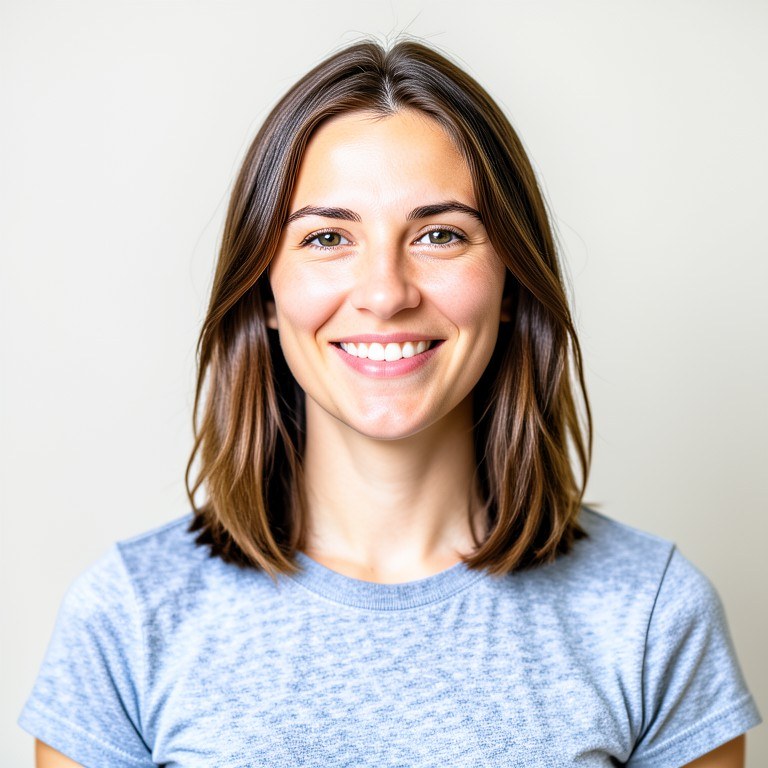
 BeforeAfter
All Photo Editing tools
Photo Enhancer & Upscaler
Enhance photo quality, fix lighting, boost colors, and sharpen details with AI. Make any photo look professional.419 photos edited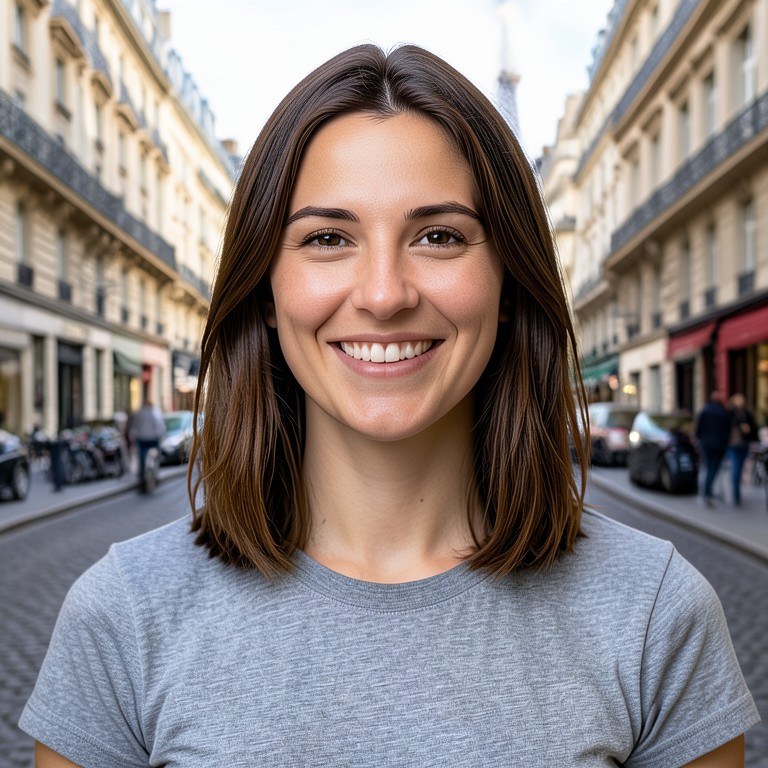
Background Changer
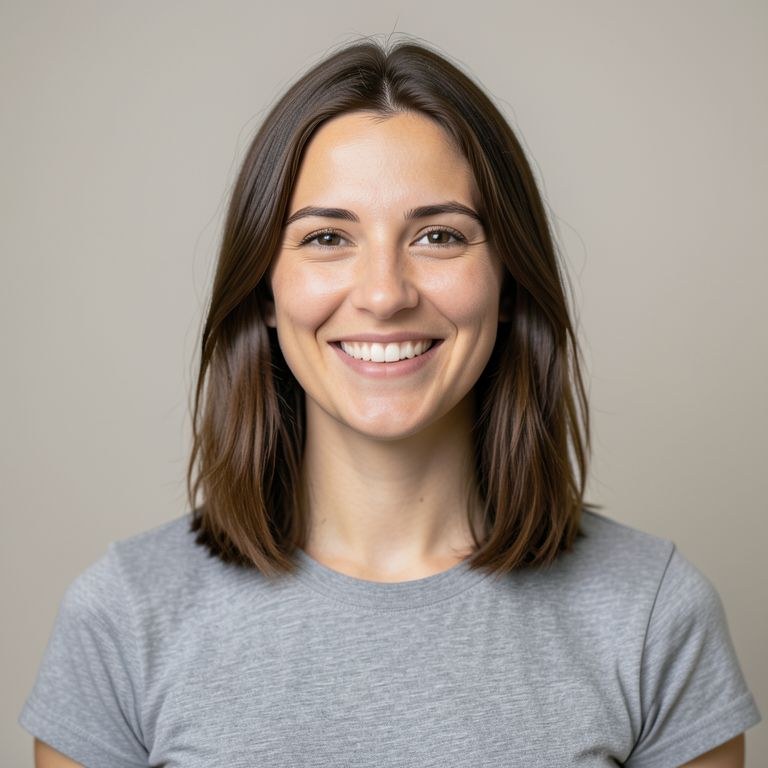
Replace any photo background with AI. Set any scene, location, or environment behind your subject.220 photos edited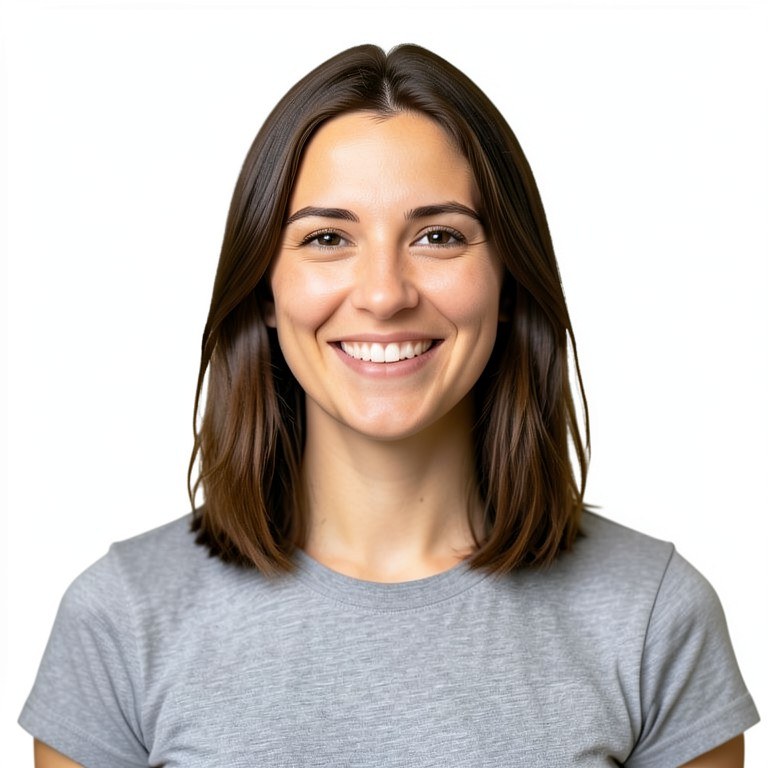
Photo Editor
Easily edit uploaded photos with AI-powered tools.111 photos edited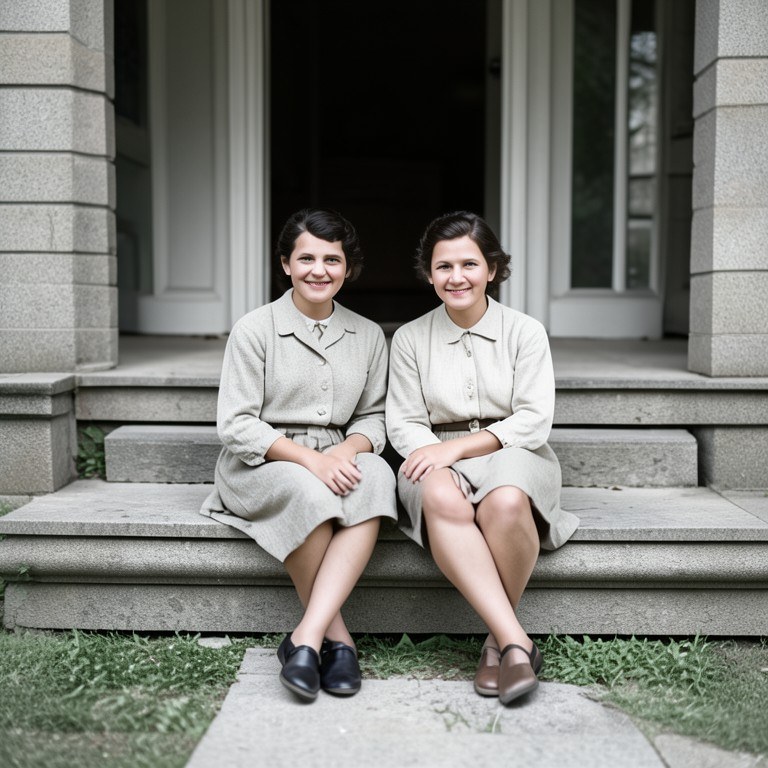
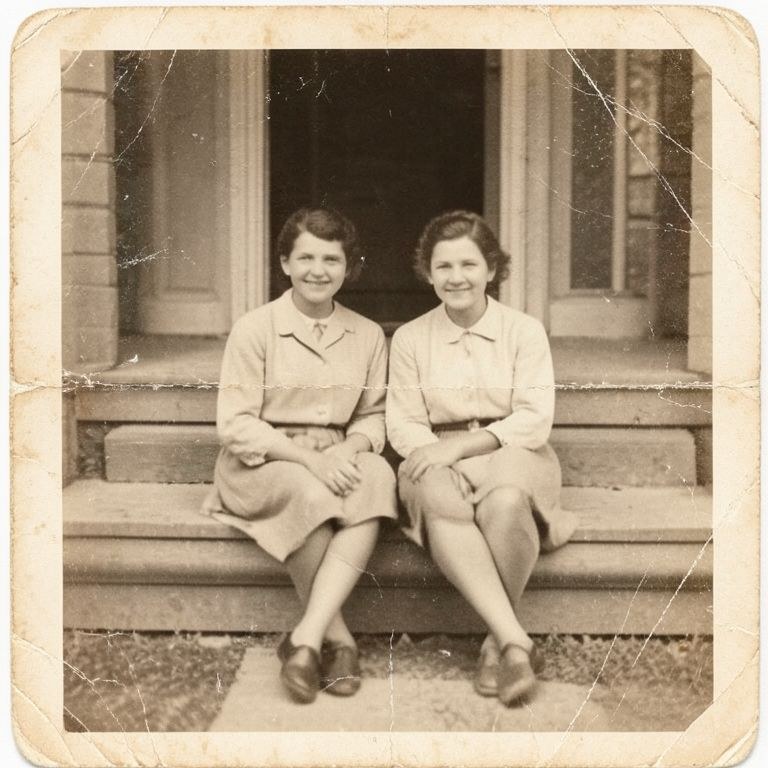
Old Photo Restorer
Restore old, damaged, scratched, or faded photos with AI. Bring treasured memories back to life.42 photos edited
Vintage Photo Filter
Give a modern photo the look of an older one: faded colour, lifted blacks, film grain and a period palette. Choose the decade or the film stock feel you want ra34 photos edited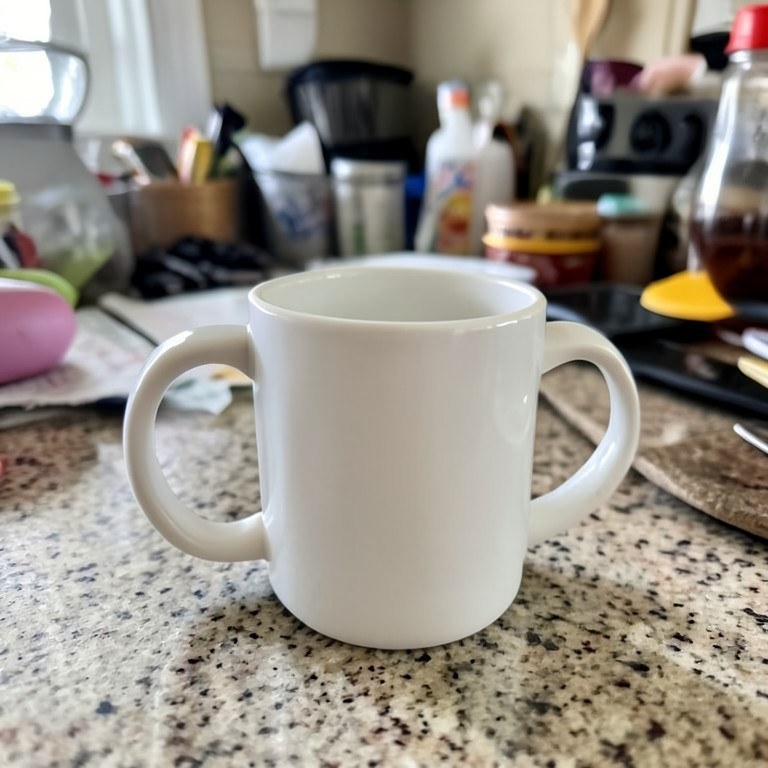
Move Object In Photo
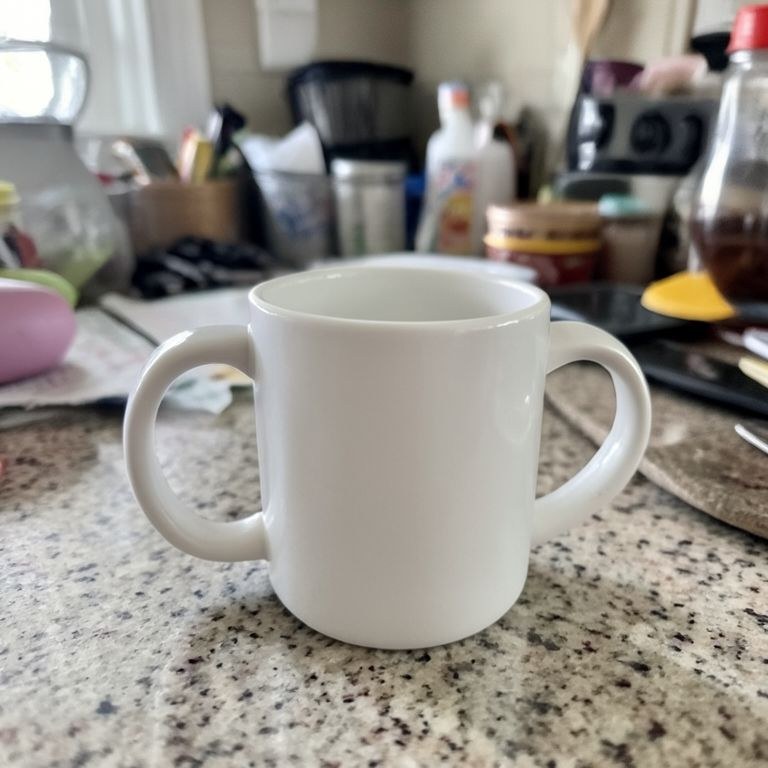
Reposition something inside a photo. The object moves to where you want it, resized for its new depth with a redrawn shadow, and the space it left behind is fil28 photos edited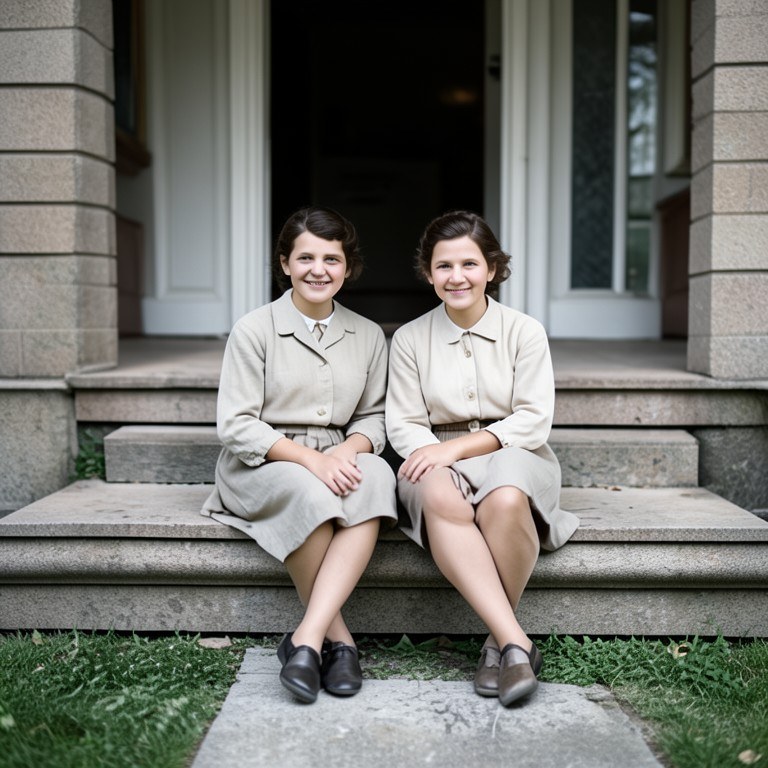
Photo Colorizer
Bring black and white photos to life with AI-powered colorization. Authentic colors for vintage photographs.20 photos edited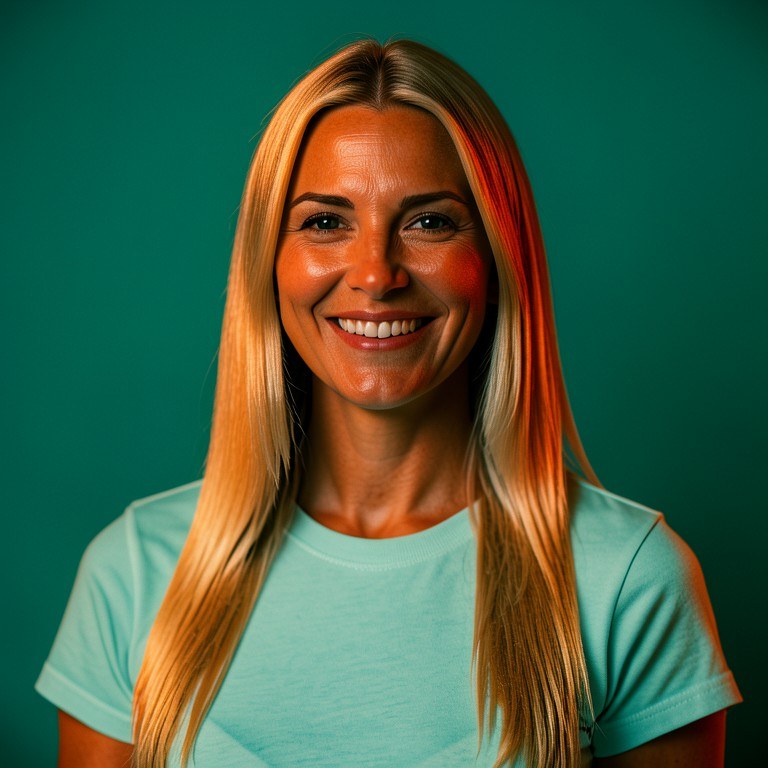
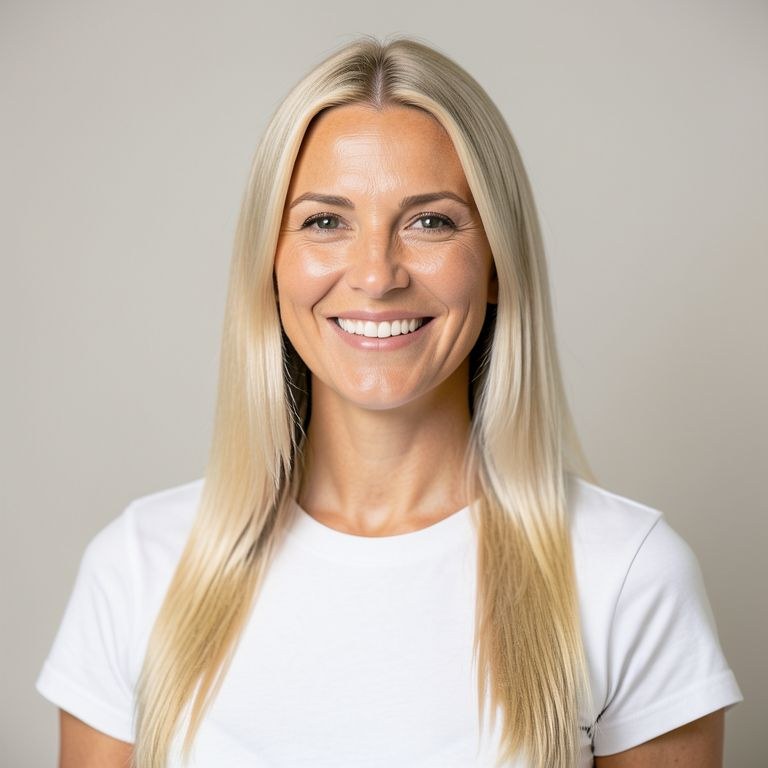
Cinematic Photo Effect Studio
Add professional cinematic effects to photos. Light rays, bokeh, film grain, fog, and dramatic grades.19 photos edited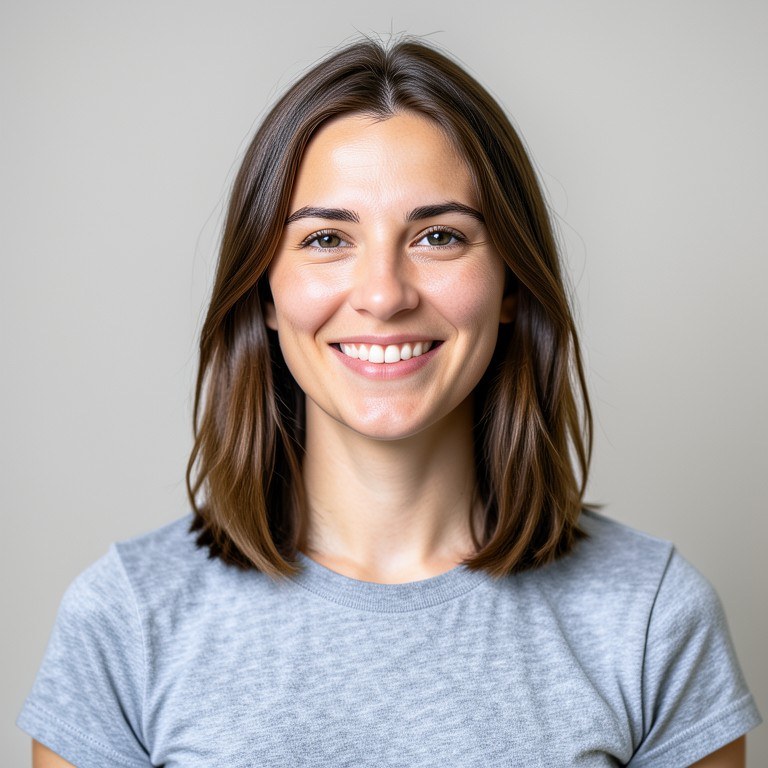
PicFixer
Easily tweak photos with AI—crop, color adjust, remove blemishes, and more.19 photos edited
Background Replacer
Put your subject somewhere else entirely. Describe the new background, from a plain studio wall to a specific location, and the edges are cut cleanly and relit 17 photos edited
MockupAI
Easily place your product onto realistic AI models or scenes with one click.11 photos edited
Object Remover
Take an unwanted object out of a picture cleanly, along with its shadow and reflection. The background behind it is rebuilt so straight lines stay straight and 6 photos edited
Freeform Image Editor
Upload any photo and generate a new version with no restrictions.6 photos edited
LightTune
Instantly adjust brightness, contrast, shadows, and highlights to perfect any photo’s lighting.4 photos edited
PhotoFixer
Upload a photo and let AI apply edits, filters, or enhancements with a single click.4 photos edited
Photo Color Corrector
Fix the colour cast on a photo shot under bad or mixed light. Whites go back to white, skin tones look like skin again, and the picture reads as it did to your 3 photos edited
SnapFix
Edit photos with advanced AI tools in one click.3 photos edited
PhotoFix
Instantly edit photos with AI—remove backgrounds, tweak colors, add text, and apply creative filters.2 photos edited
PicEdit AI
Instantly edit your photos with AI-powered tools for cropping, color correction, background removal, and creative filters.1 photos edited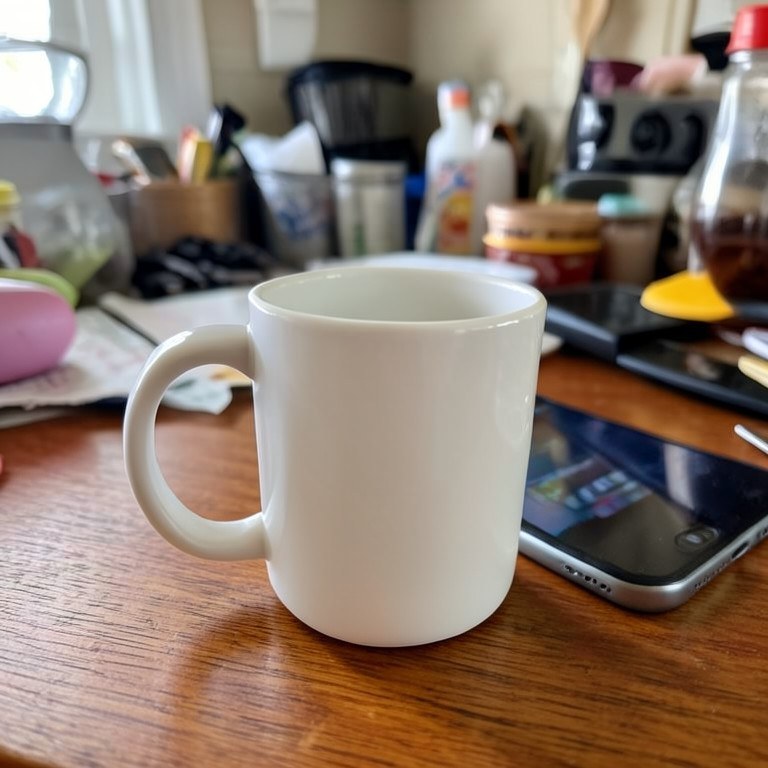
Product Mockup Maker
Instantly place your product onto realistic scenes or models.1 photos edited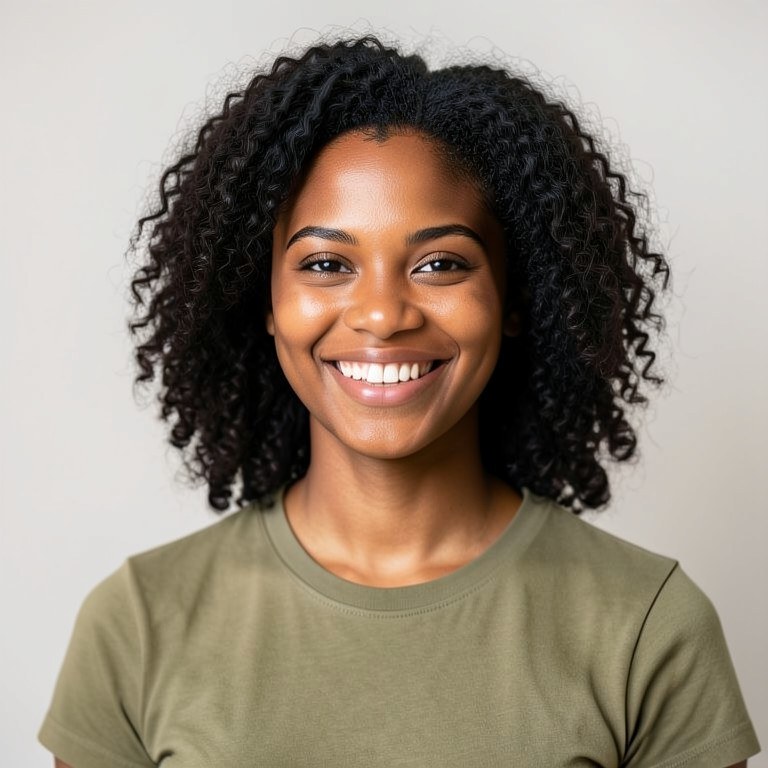
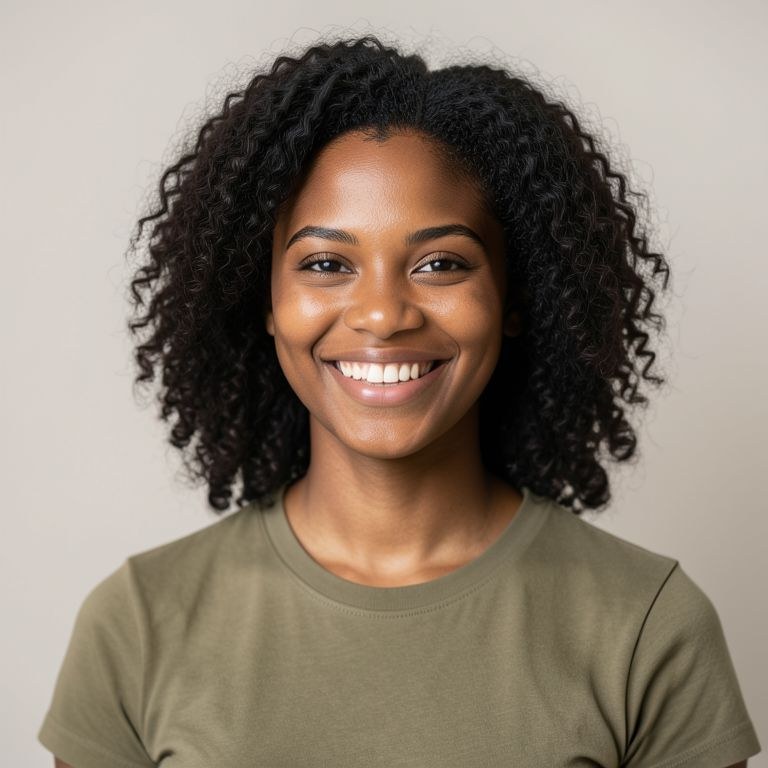
Photo Eraser
Erase anything you do not want in a shot: a passer-by, a bin, a power line, a blemish or a stray reflection. The tool rebuilds the background behind it so the rNew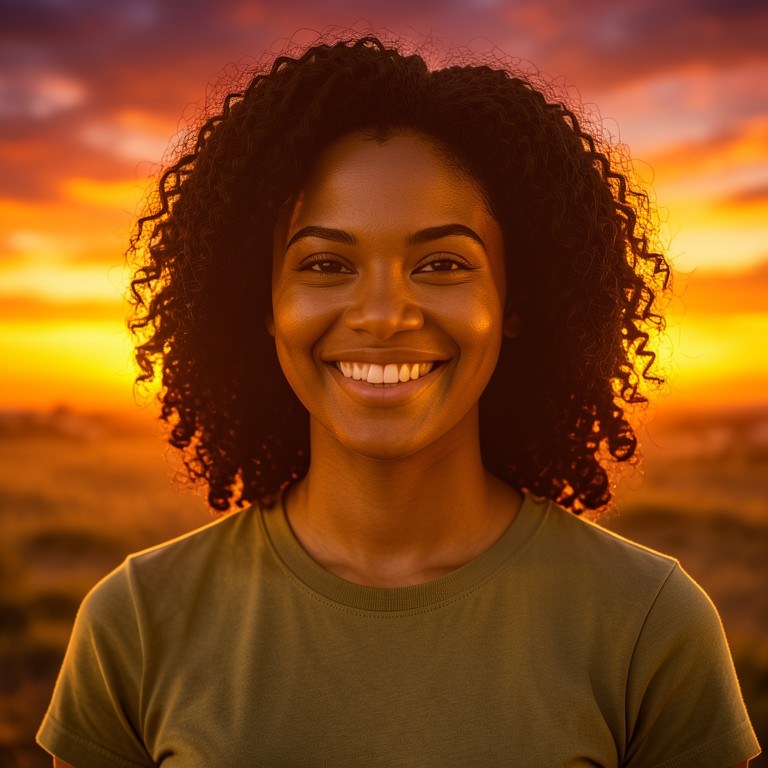
Sky Replacer
Swap a flat white sky for something with character: sunset, dramatic clouds, clear blue or a starry night. The foreground is relit to match so the new sky does New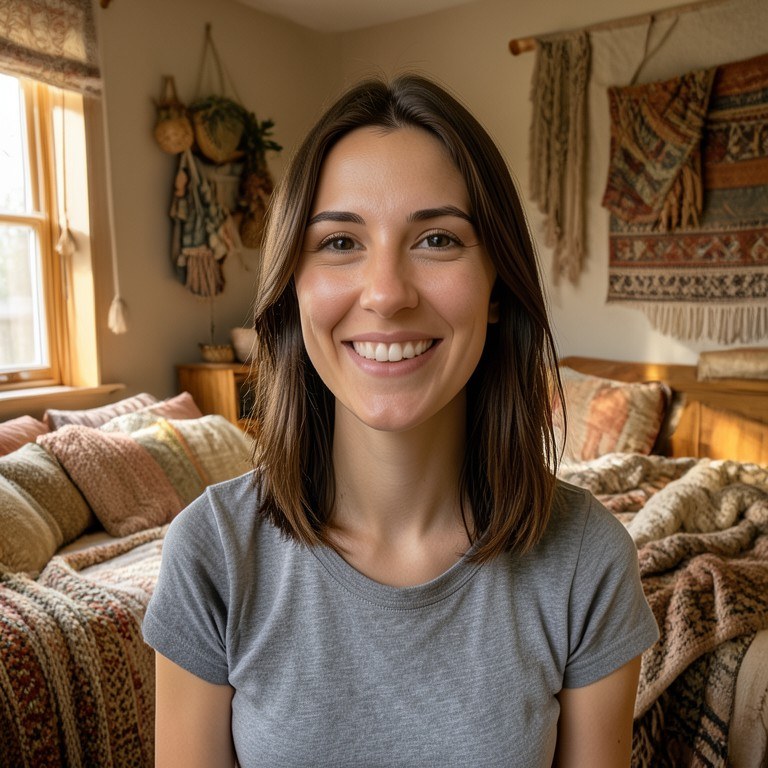
Dorm Room Designer
Snap a photo of your bare dorm room and see it redecorated with bedding, lighting, storage and decor ideas that fit the same small space before you shop.New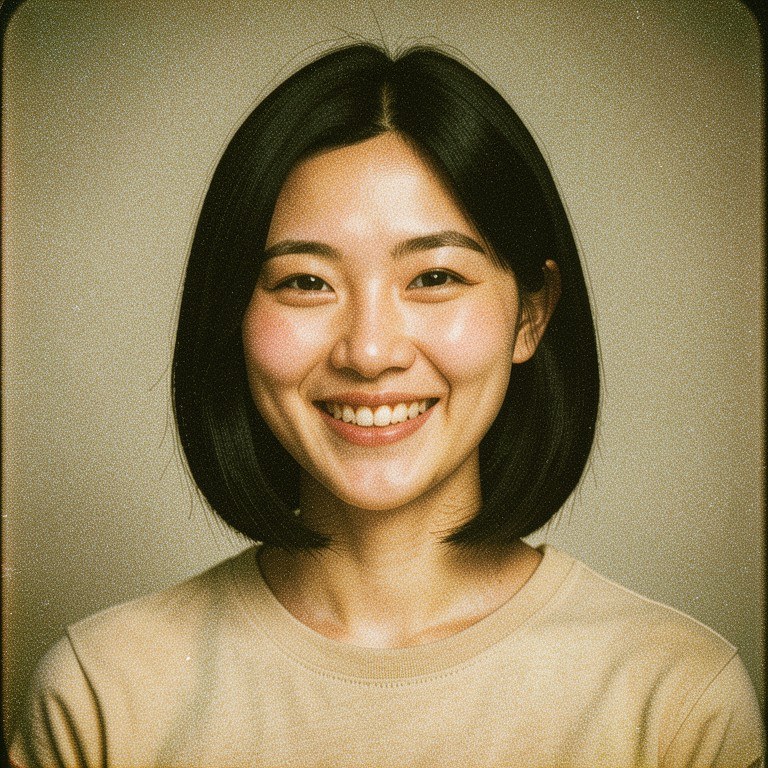
ImageCrafter
Edit, enhance, and transform your photos with AI precision.New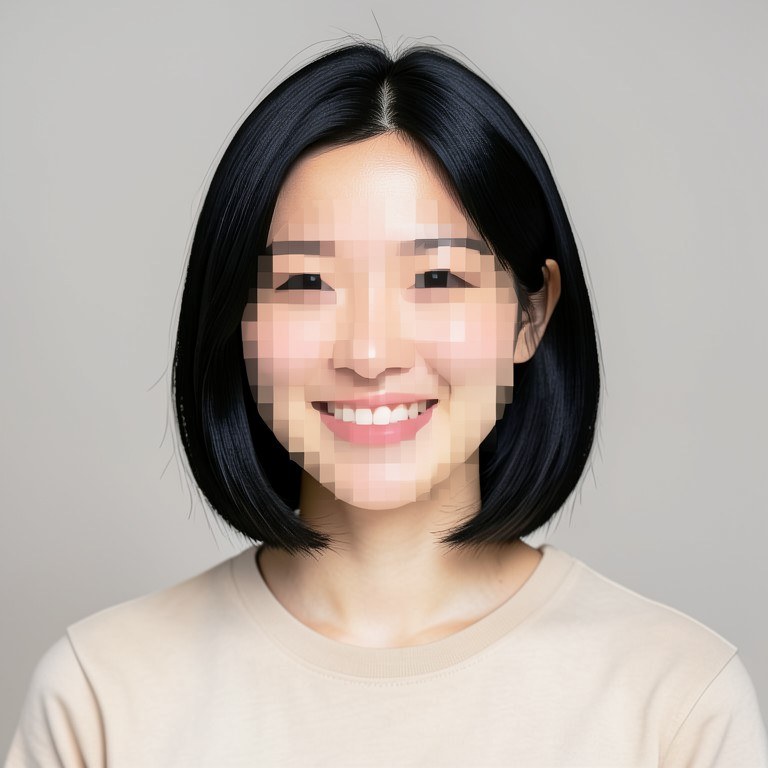
Image Pixelator
Pixelate a part of an image or the whole thing. Use coarse blocks to hide a face, a plate or a screen, or fine blocks for a deliberate retro pixel-art look acroNew
Image Transformer
Transforms your photo into a new image based on your instructions.New
Pet Costume Try-On
See your dog or cat in a Halloween or party costume before you buy one. Upload a photo, pick a costume idea and preview the look on your actual pet.New
PhotoRetouch Pro
Instantly retouch and enhance photos with AI.New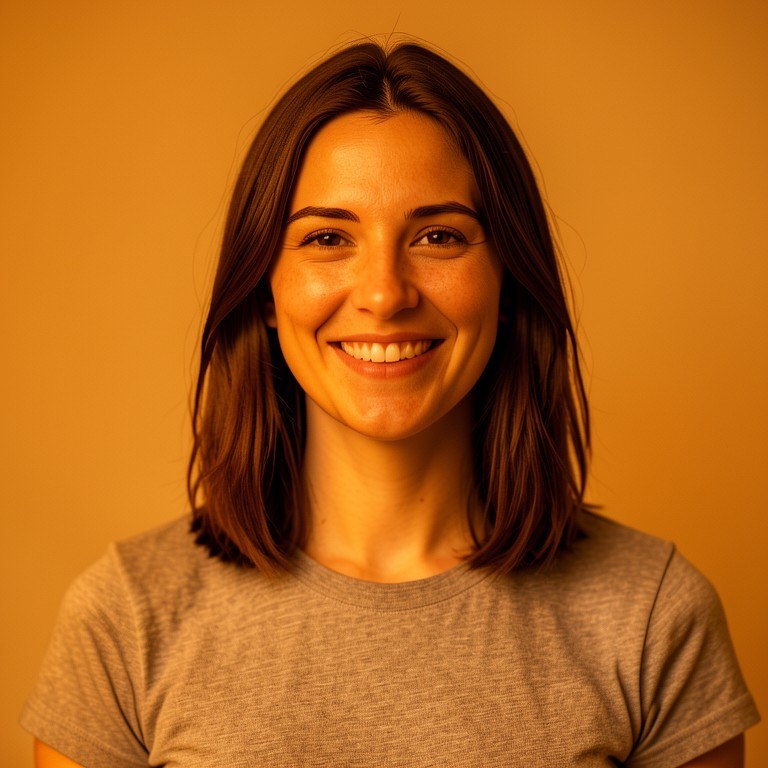
Photo Tint Tool
Give any photo a colour tint the way a colourist would. Name a colour and a strength, and the tool washes it through the image while keeping skin tones, detail New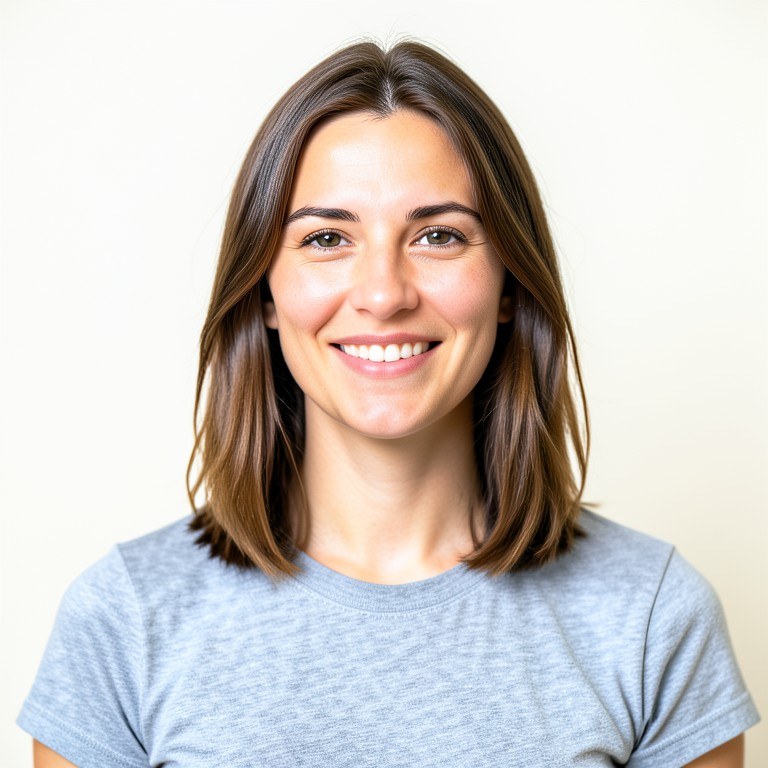
PicFix
Instantly enhance and modify your photos with AI-powered editing tools.New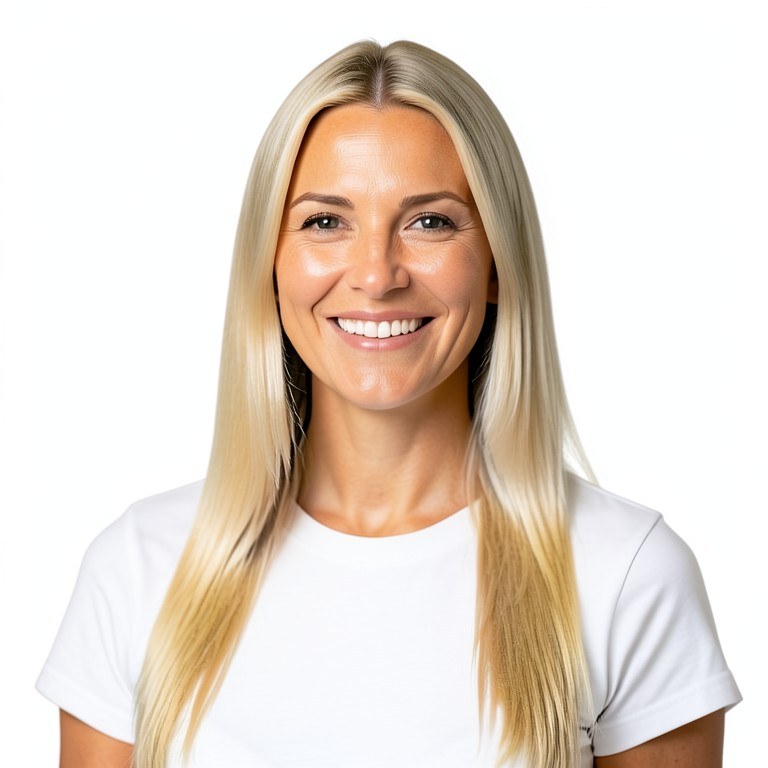
SnapEdit
Edit photos instantly with AI-powered tools.New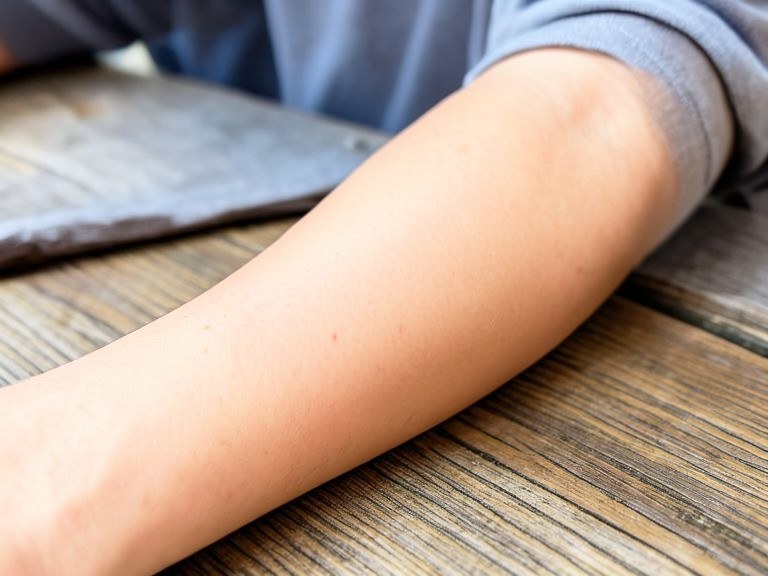
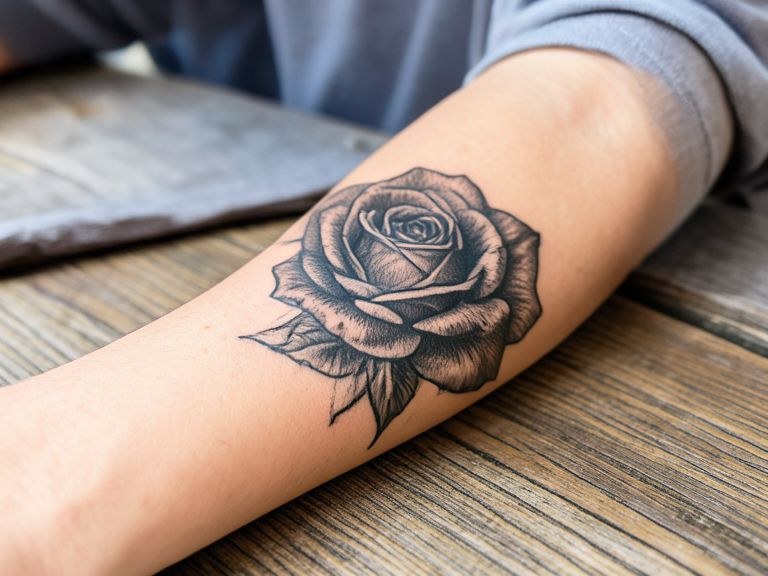
Tattoo Removal Preview
Upload a photo of a tattoo and see a visual preview of that area as clear skin. It is an AI illustration to help you picture the look, not a medical result.NewMerge Two Images
Combine two photos into a seamless composite.200 photos editedMergeMaker
Combine multiple images into a single composition with ease.68 photos editedCharSwap
Swap any character in a photo with another image in seconds.54 photos editedImage Blender
Blend two pictures into one composition. Build a double exposure with a landscape inside a portrait silhouette, dissolve two scenes together, or split the frame22 photos editedBackground Swap
Easily replace the background of any photo with a new setting or scene.22 photos editedUploadHelper
Upload a photo to edit or analyze.21 photos editedUpload & Edit
Upload your image and edit it with AI tools.5 photos editedScreenshot Editor
Clean up and annotate a screenshot before you share it. Redact personal details, highlight the part that matters, remove notification clutter, or tidy up placeh3 photos editedImage Overlay Tool
Lay one image, texture or graphic over another with control over position, scale and opacity. Handy for putting a logo on a product shot, adding a texture pass 2 photos editedMirror & Flip Image Tool
Flip a picture horizontally or vertically, or fold one half onto the other for a symmetrical mirror composition. The pixels stay exactly as they were; only the 1 photos editedImage Extender
Extend a picture past its original edges. Ask for more room above, below or to the sides and the scene is continued outward, which is useful when a crop is too NewImage Compressor
Make an image lighter for the web without it falling apart. Set a quality level or a size target and the detail that matters, faces, text and gradients, is protNew