Free AI Image Editor — No Signup Required

AI Object Remover

Take an unwanted object out of a picture cleanly, along with its shadow and reflection. The background behind it is rebuilt so straight lines stay straight and textures carry on without a visible patch.

Free · Instant · No registration

Create your own
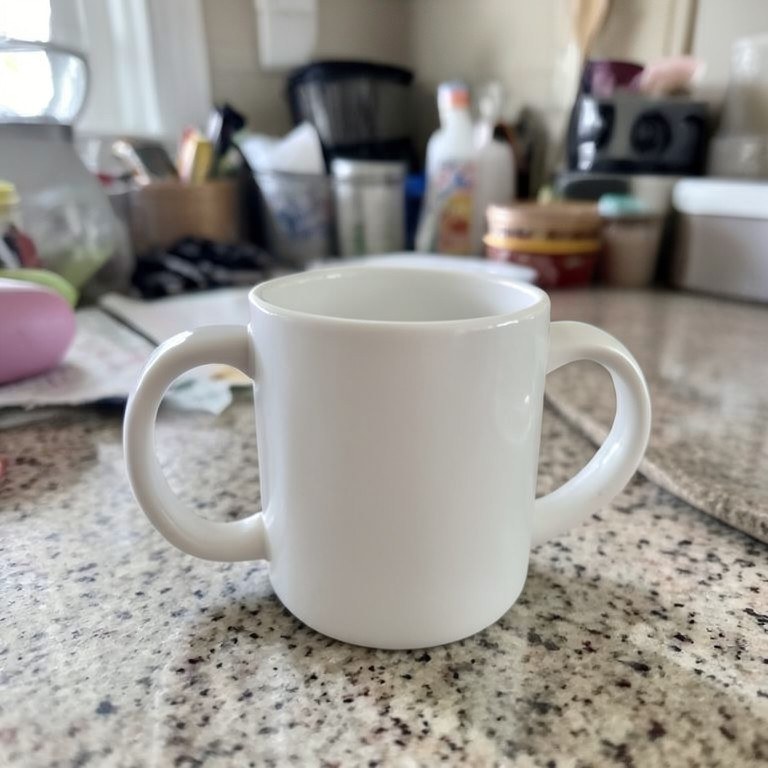
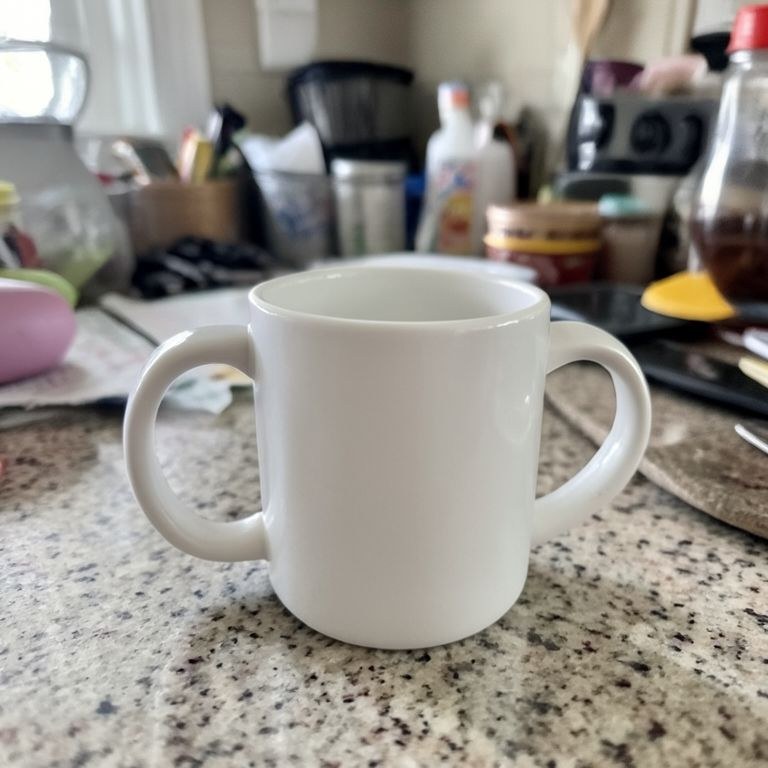
AI Object Remover example resultBeforeAfter
Drag to compare. Made with AI Object Remover.

Try these popular edits:

Remove the car from the drivewayTake out the person on the rightRemove the object and its shadowDelete the sign from the wallRemove the clutter on the tableTake out the reflection in the window

Why use AI Object Remover?

✂️
AI Object Remover
Take an unwanted object out of a picture cleanly, along with its shadow and reflection. The background behind it is rebuilt so straight lines stay straight and textures carry on without a visible patch.
🔄
Before & After Preview
See exactly how AI Object Remover transforms your photo — compare original and edited side by side.
🆓
Free to Use
AI Object Remover is free with no watermarks and no account required — edit as many photos as you like.
☁️
No Download Needed
Works entirely in your browser — no app or software installation required.

How it works

1
Upload Your Image
Select or drag & drop any photo you want to edit
2
Describe the Change
Tell the AI what to change in plain language
3
Get Instant Results
Download your edited image in seconds

Take an unwanted object out of a picture cleanly, along with its shadow and reflection. The background behind it is rebuilt so straight lines stay straight and textures carry on without a visible patch.

How the ai object remover works

Upload the photo and describe the object by where it sits, for example 'remove the parked car on the right of the driveway'. Say whether its shadow or reflection should go too. Run the tool and inspect the repaired region closely, especially any straight edges crossing it. If part of the object or its shadow remains, mention it and run the tool again on the same upload.

Tips for the best results

Mention the shadow explicitly, since a removed object often leaves one behind. Describe the background that should replace it, such as 'continue the gravel and the fence line'. Remove larger objects first, then smaller ones in a second pass, and check reflections in glass and water.

Frequently asked questions

Ready to try AI Object Remover?

Free, instant, and no signup needed.