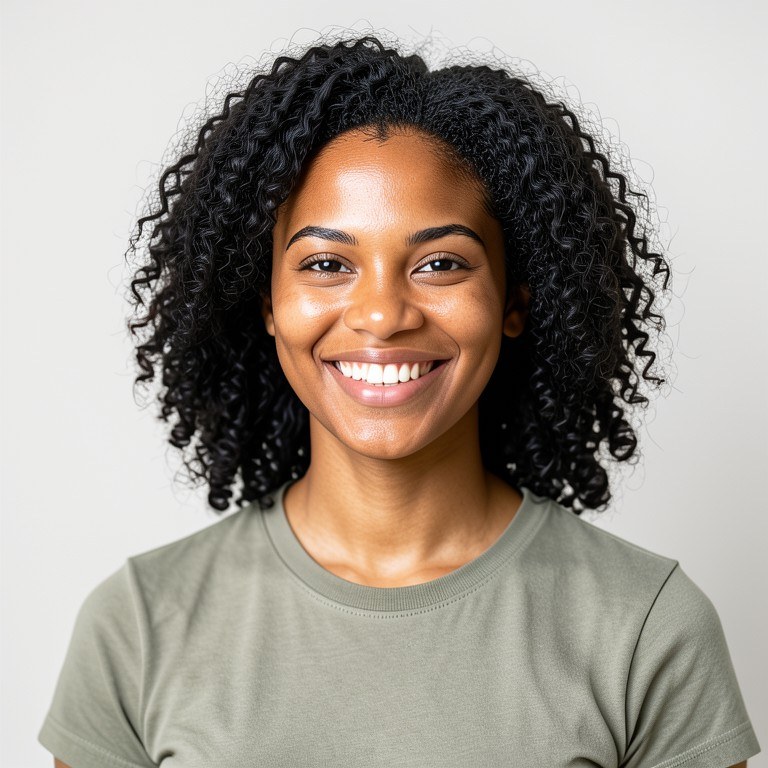
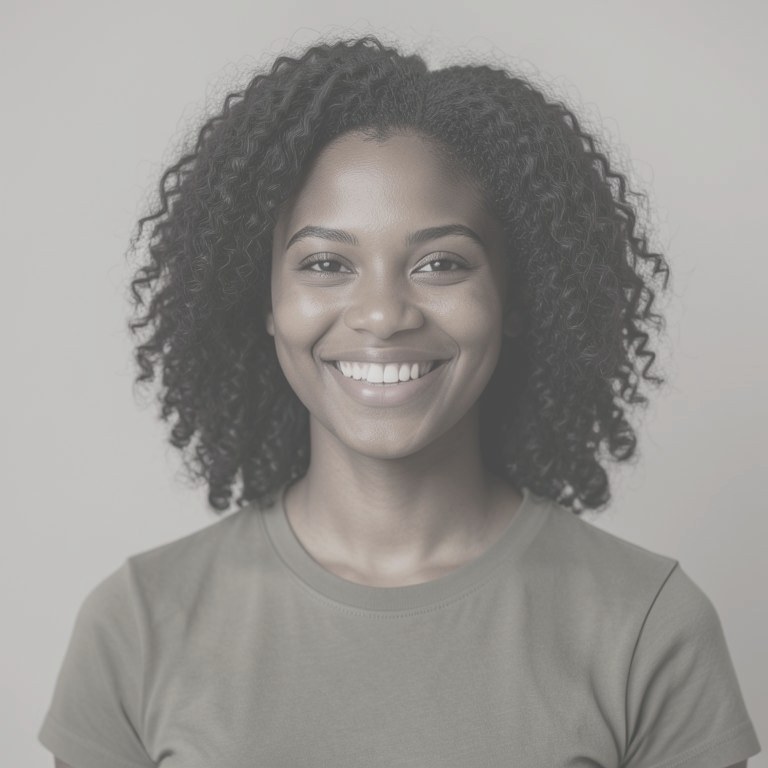
Fix the colour cast on a photo shot under bad or mixed light. Whites go back to white, skin tones look like skin again, and the picture reads as it did to your eye rather than to the sensor.
How the ai photo color corrector works
Upload the photo. Say what is off, for example 'this is too orange from indoor lighting, neutralise it' or 'mixed daylight and fluorescent, make the whites neutral'. Point at anything in the frame that should be pure white or neutral grey. Run the tool, check faces and any white object, then adjust the wording and run again on the same upload if the correction over- or undershoots.
Tips for the best results
Name a reference in the frame that you know is white or neutral grey; that gives the correction an anchor. Say which light source caused the cast if you know it. Mixed lighting is the hardest case, so say which area matters most. Check skin tones at full size before you accept the result.