Free AI Image Editor — No Signup Required

How to Add Photos for AI Editing

Upload a photo and describe how you'd like it modified.

Free · Instant · No registration

Create your own
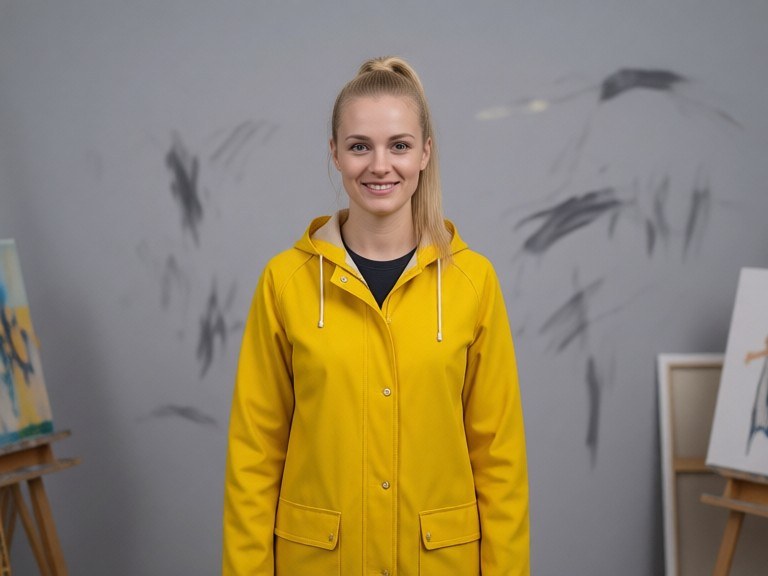
Photo Enhancer example resultBeforeAfter
Drag to compare. Made with Photo Enhancer.

Try these popular edits:

Make it black & whiteAdd a vintage filterCrop to a 4:5 aspect ratioRemove background

Why use Photo Enhancer?

🖼️
Photo Enhancer
Upload a photo and describe how you'd like it modified.
🔄
Before & After Preview
See exactly how Photo Enhancer transforms your photo — compare original and edited side by side.
🆓
Free to Use
Photo Enhancer is free with no watermarks and no account required — edit as many photos as you like.
☁️
No Download Needed
Works entirely in your browser — no app or software installation required.

How it works

1
Upload Your Image
Select or drag & drop any photo you want to edit
2
Describe the Change
Tell the AI what to change in plain language
3
Get Instant Results
Download your edited image in seconds

Uploading photos to AI editing tools is simple and fast. Just choose your image file, describe the changes you want', and let the AI do the rest. Whether you're looking to enhance clarity, apply artistic filters, or remove unwanted elements, our platform makes it effortless.

Step 1: Prepare Your Photo

Choose a high-quality image in JPEG or PNG format. Avoid overly compressed files, as they can limit the AI's ability to make precise edits.

Step 2: Upload the Image

Click the upload button, select your file, and wait for the preview to load. The system supports common image sizes up to 10MB.

Step 3: Describe Your Edit

In the text box, type a clear instruction—e.g., "Add a vintage filter" or "Remove the background." The AI will process your request and display the edited result.

Frequently asked questions

Ready to try Photo Enhancer?

Free, instant, and no signup needed.

Related tools

Related personas