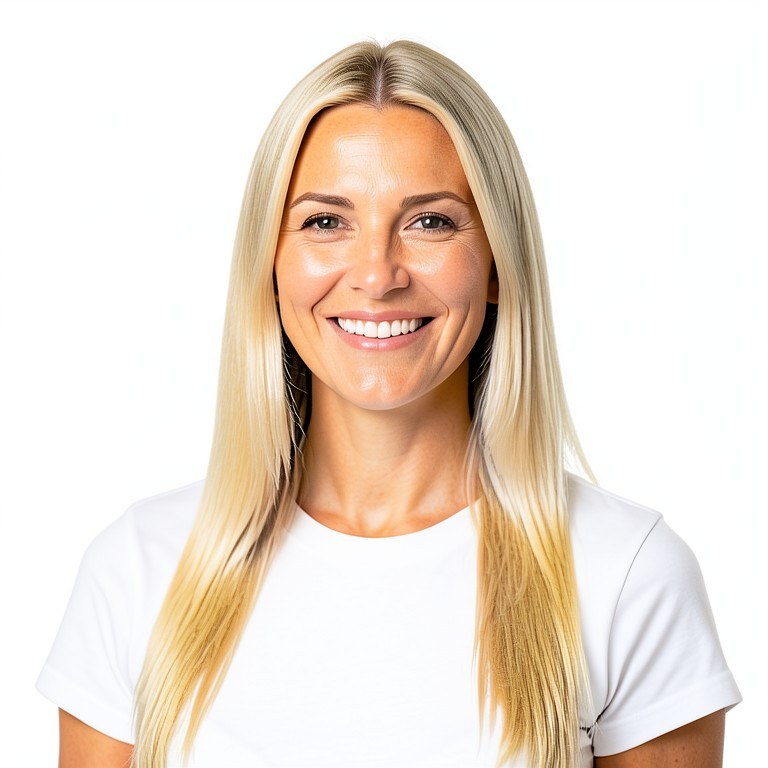
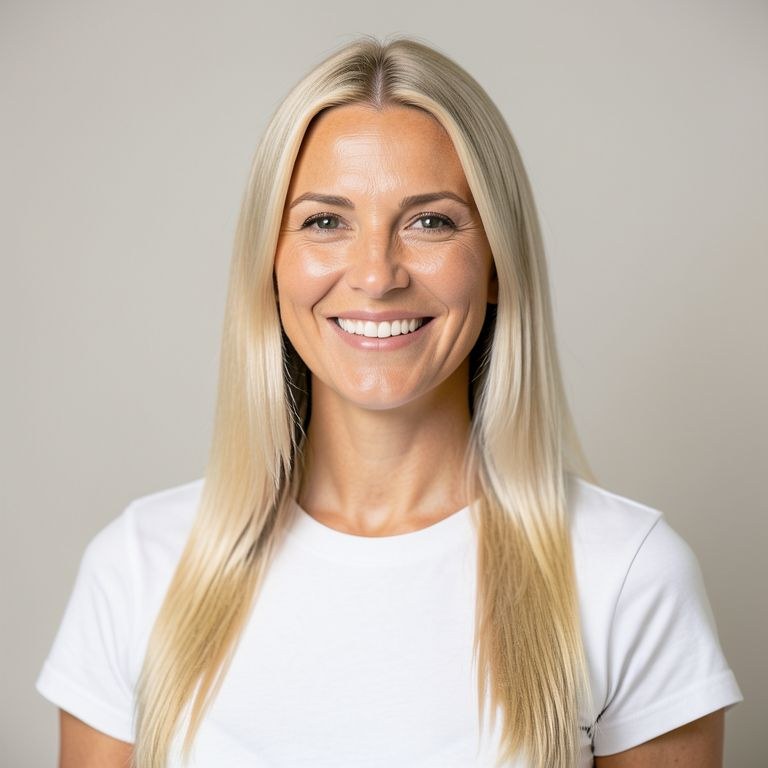
Put your subject somewhere else entirely. Describe the new background, from a plain studio wall to a specific location, and the edges are cut cleanly and relit so the composite holds together.
How the ai background replacer works
Upload the photo and describe the replacement background, for example 'plain light grey studio backdrop' or 'a sunlit park path, softly blurred'. Say whether the subject should be relit to match. Run the tool and check the edges around hair and fingers. If a halo or a fringe of the old background remains, mention it and run again on the same upload.
Tips for the best results
Choose a background whose light direction matches the subject's, or ask for the subject to be relit. Say how blurred the background should be so it matches the original depth of field. Hair and glasses are the hardest edges, so inspect them at full size before using the result.