Free AI Image Editor — No Signup Required

Vintage Photo Filter

Give a modern photo the look of an older one: faded colour, lifted blacks, film grain and a period palette. Choose the decade or the film stock feel you want rather than settling for a generic filter.

Free · Instant · No registration

Create your own
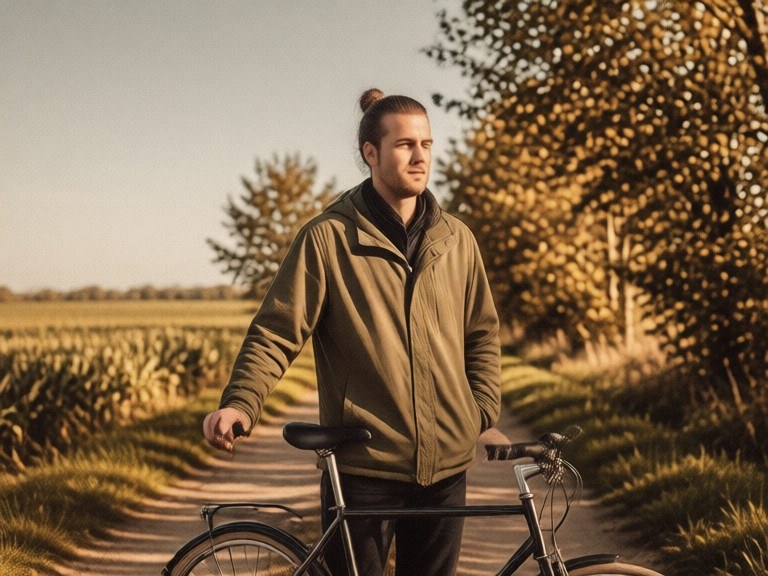
Vintage Photo Filter example resultBeforeAfter
Drag to compare. Made with Vintage Photo Filter.

Try these popular edits:

Faded 1970s colour film lookWarm 1950s postcard treatmentCross-processed slide filmAged print with soft contrastVintage look with heavy grainOld photo with light leaks

Why use Vintage Photo Filter?

📻
Vintage Photo Filter
Give a modern photo the look of an older one: faded colour, lifted blacks, film grain and a period palette. Choose the decade or the film stock feel you want rather than settling for a generic filter.
🔄
Before & After Preview
See exactly how Vintage Photo Filter transforms your photo — compare original and edited side by side.
🆓
Free to Use
Vintage Photo Filter is free with no watermarks and no account required — edit as many photos as you like.
☁️
No Download Needed
Works entirely in your browser — no app or software installation required.

How it works

1
Upload Your Image
Select or drag & drop any photo you want to edit
2
Describe the Change
Tell the AI what to change in plain language
3
Get Instant Results
Download your edited image in seconds

Give a modern photo the look of an older one: faded colour, lifted blacks, film grain and a period palette. Choose the decade or the film stock feel you want rather than settling for a generic filter.

How the vintage photo filter works

Upload the photo. Name the era or look you are after, such as 'faded 1970s colour film, warm and soft' or 'cross-processed slide with heavy grain'. Say whether you want a vignette, edge wear or a print border. Run the tool and compare with the original. If the effect is too heavy or the faces went muddy, ask for a lighter treatment and run again on the same upload.

Tips for the best results

Name a decade or a film characteristic rather than just saying 'vintage', since eras have distinct palettes. Grain and lifted blacks do most of the work. Ask to keep faces readable when the treatment is heavy. Add a border or date stamp only if you actually want one.

Frequently asked questions

Ready to try Vintage Photo Filter?

Free, instant, and no signup needed.

Related tools

Related personas