Free AI Image Editor — No Signup Required

AI Background Replacer

Put your subject somewhere else entirely. Describe the new background, from a plain studio wall to a specific location, and the edges are cut cleanly and relit so the composite holds together.

Free · Instant · No registration

Create your own
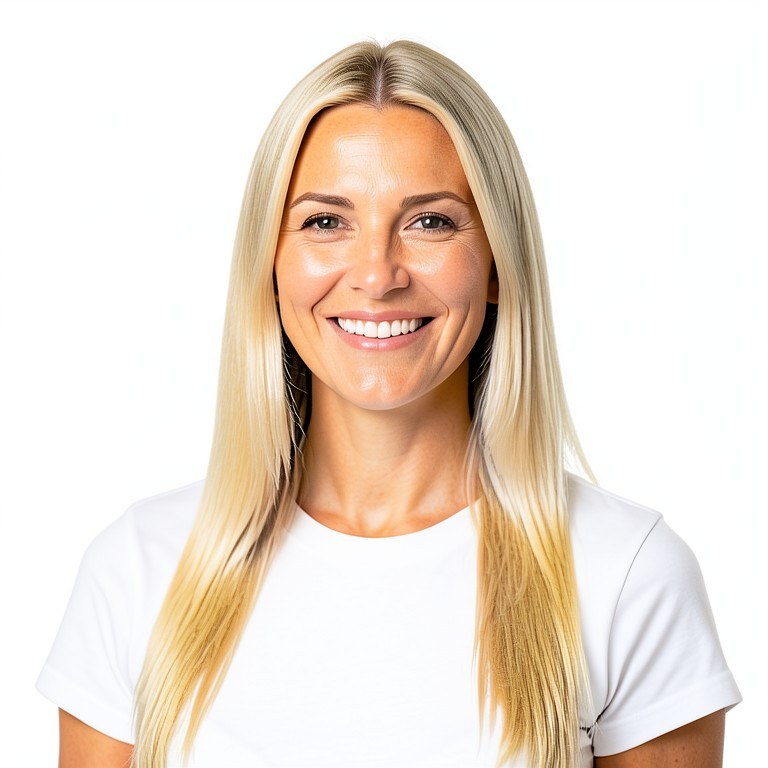
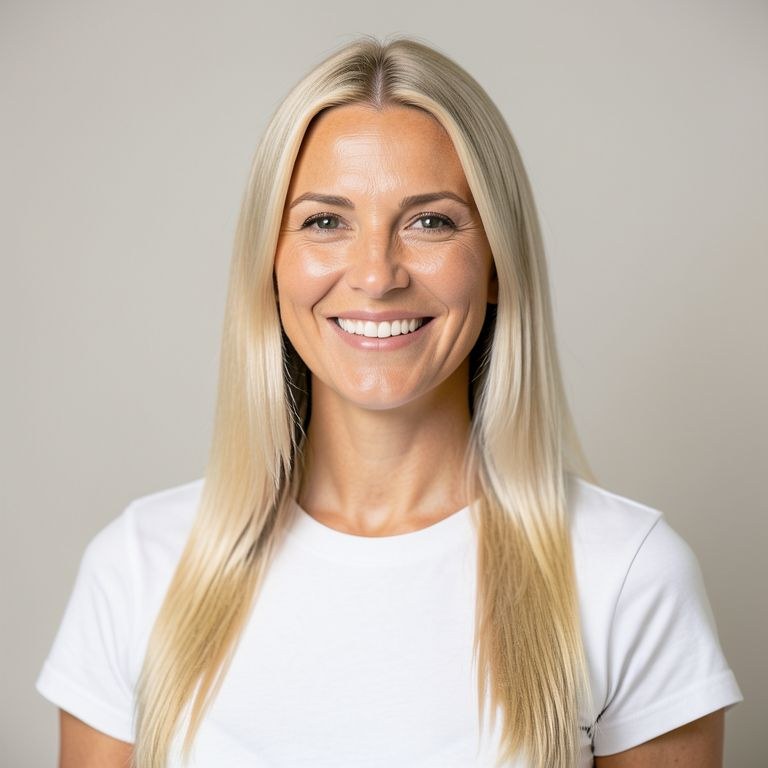
AI Background Replacer example resultBeforeAfter
Drag to compare. Made with AI Background Replacer.

Try these popular edits:

Plain white studio backgroundPut the subject in a parkReplace with a blurred officeNeutral grey gradient backdropBeach background at golden hourSimple dark background, relight edges

Why use AI Background Replacer?

🏞️
AI Background Replacer
Put your subject somewhere else entirely. Describe the new background, from a plain studio wall to a specific location, and the edges are cut cleanly and relit so the composite holds together.
🔄
Before & After Preview
See exactly how AI Background Replacer transforms your photo — compare original and edited side by side.
🆓
Free to Use
AI Background Replacer is free with no watermarks and no account required — edit as many photos as you like.
☁️
No Download Needed
Works entirely in your browser — no app or software installation required.

How it works

1
Upload Your Image
Select or drag & drop any photo you want to edit
2
Describe the Change
Tell the AI what to change in plain language
3
Get Instant Results
Download your edited image in seconds

Put your subject somewhere else entirely. Describe the new background, from a plain studio wall to a specific location, and the edges are cut cleanly and relit so the composite holds together.

How the ai background replacer works

Upload the photo and describe the replacement background, for example 'plain light grey studio backdrop' or 'a sunlit park path, softly blurred'. Say whether the subject should be relit to match. Run the tool and check the edges around hair and fingers. If a halo or a fringe of the old background remains, mention it and run again on the same upload.

Tips for the best results

Choose a background whose light direction matches the subject's, or ask for the subject to be relit. Say how blurred the background should be so it matches the original depth of field. Hair and glasses are the hardest edges, so inspect them at full size before using the result.

Frequently asked questions

Ready to try AI Background Replacer?

Free, instant, and no signup needed.