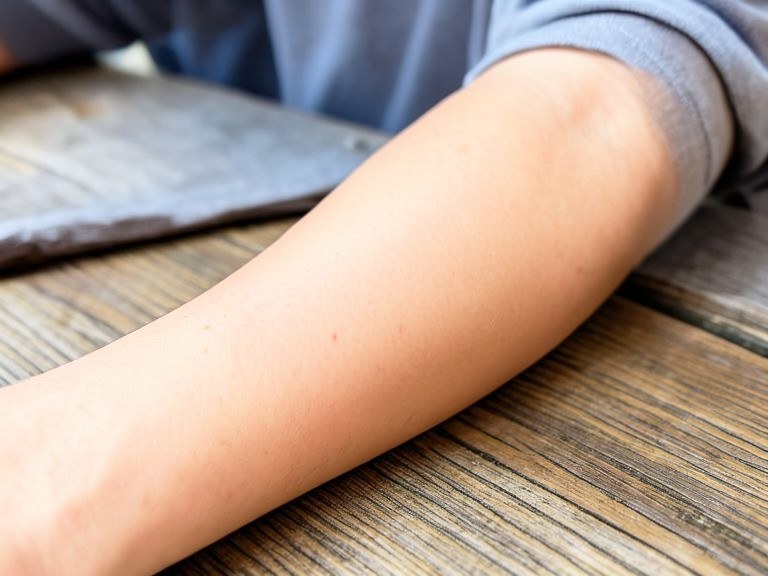
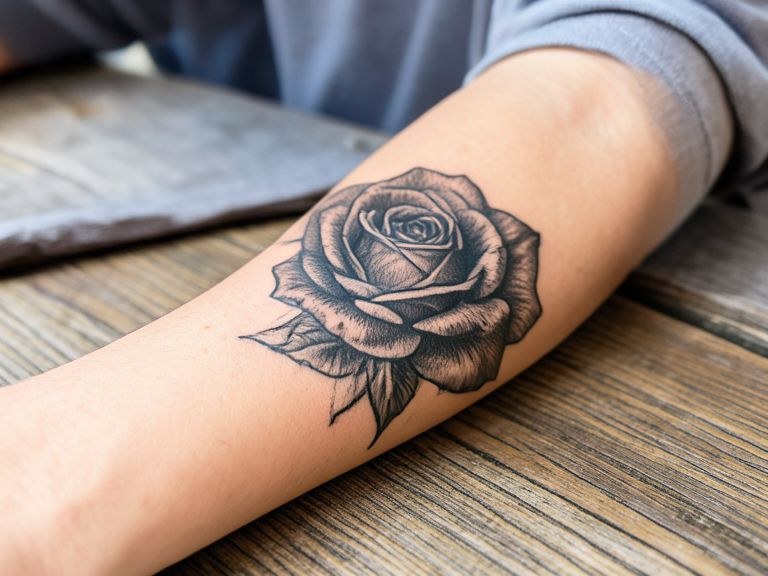
Upload a photo of a tattoo and see a visual preview of that area as clear skin. It is an AI illustration to help you picture the look, not a medical result.
How the tattoo removal preview works
Take a well lit photo of the tattooed area, keeping some surrounding skin in the frame so the tool can match your tone. Upload it and, if the photo shows several tattoos, describe which one to clear. The preview repaints only that area with smooth skin that blends into the rest of the image. Use it to picture the finished look while you research removal options with a qualified professional.
Tips for the best results
Even daylight shows skin tone most accurately, so avoid coloured lamps or heavy shadows. Frame the tattoo with a margin of plain skin around it. For large pieces, try a close-up and a wider shot to see both views. Remember that real laser removal happens over many sessions and outcomes vary, so talk to a licensed dermatologist about what to expect.