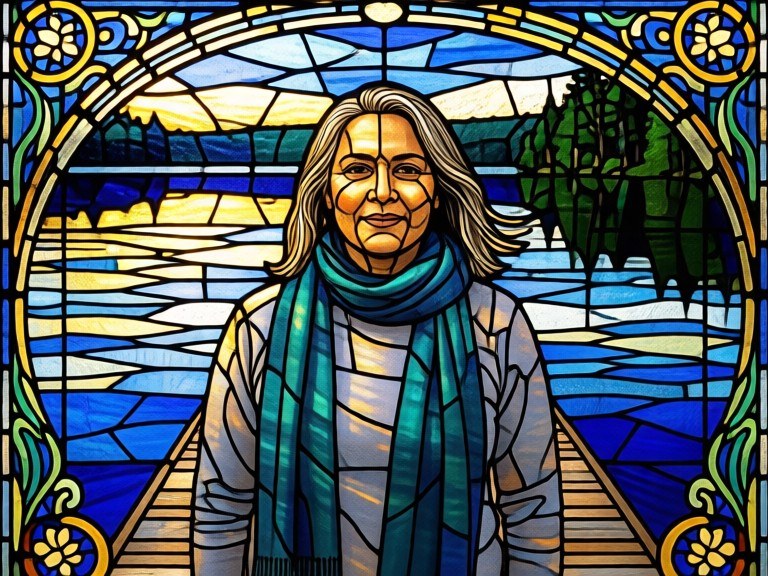

Turn a photo into a leaded stained-glass panel - segmented glass, dark came lines and glowing backlit colour - for wall art, cards, church-style projects and glass-craft pattern references.
How the photo to stained glass works
Upload a photo with a clear subject. The tool breaks the composition into glass segments that follow its natural shapes, outlines each with lead came, fills them with saturated translucent colour and lights the panel as though sunlight is coming through it. Ask for finer or chunkier segmentation in your note, rerun, then download the panel you like for printing or as a pattern reference.
Tips for the best results
Bold, simple subjects work best - portraits, flowers, animals and landmarks. Busy scenes turn into visual noise once segmented. Ask for 'chunky segments' if you want a genuine, cuttable-looking pattern, or 'fine segments' for detail. Naming a palette, such as deep blues and golds, gives a much more cohesive window.