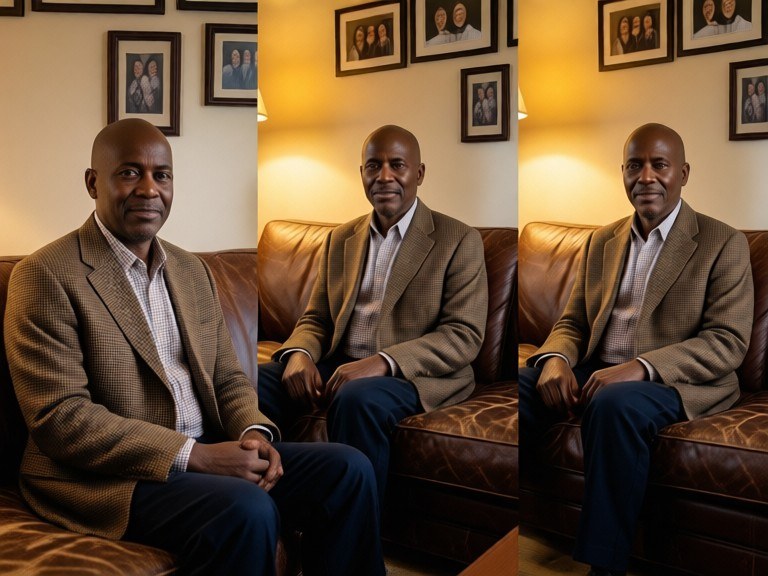

A montage is a powerful way to showcase multiple images in a single visual, perfect for adding motion to your video projects. With our tool you can quickly arrange, edit, and export your photos into a cohesive sequence.
How to Prepare Your Images
Start by selecting high‑resolution photos that match your video’s aspect ratio. Resize or crop them to 1920×1080 for HD or 3840×2160 for 4K to ensure a smooth export.
Editing and Sequencing
Upload your images, drag them into the desired order, set the duration for each frame, and choose transitions like fades or wipes to create a polished look.
Exporting to Video-Friendly Formats
Export the final montage as a GIF or a PNG sequence. Import these files into your favorite video editor (Premiere, Final Cut, DaVinci Resolve) and add audio or overlays to finish your video.