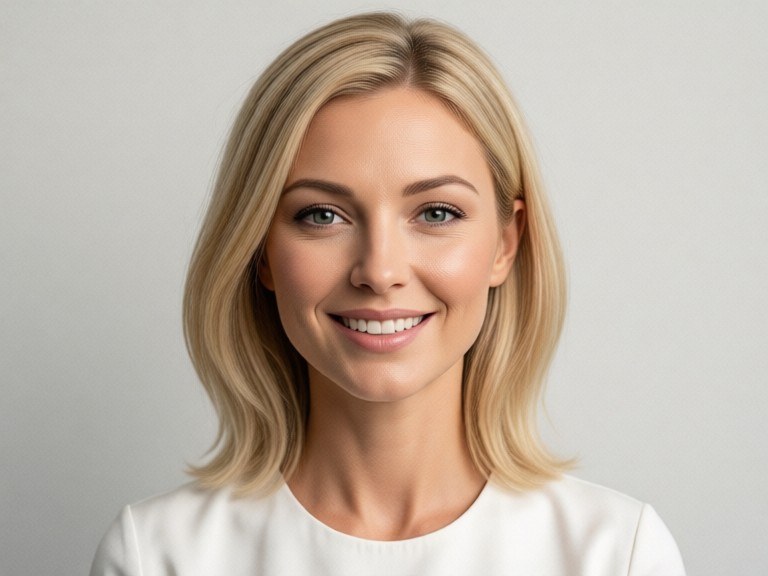
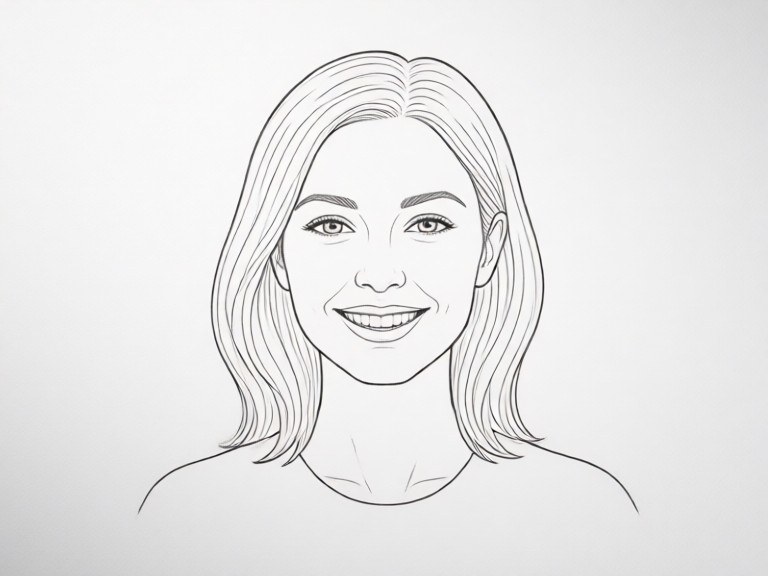
Turn a rough pencil sketch, napkin doodle or tablet drawing into a finished, full-colour image. Your composition stays put while the AI adds colour, texture, lighting and depth.
How the sketch to image works
Take a photo or screenshot of your sketch and upload it. Clean lines on a light background work best, but loose doodles are fine too. Then describe the look you want, for example a photoreal cabin, a watercolour scene or a 3D cartoon. The model keeps the placement and proportions of your drawing and paints over it with materials and lighting. Compare the result with your original, adjust the description, and run it again to explore other styles.
Tips for the best results
Dark, confident outlines are read more reliably than faint pencil marks, so trace over key shapes with a marker before photographing. Crop the image so the drawing fills the frame and the paper edges disappear. Name the main objects in your request, since a quick blob could be a rock or a bush. Styles like photoreal, oil painting, anime or clay render give very different results from the same lines.