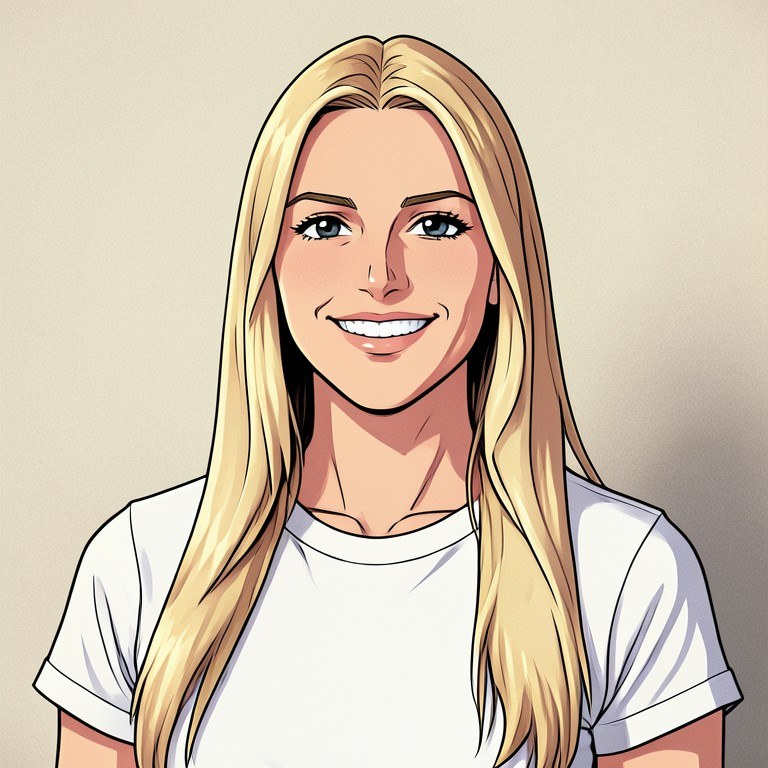
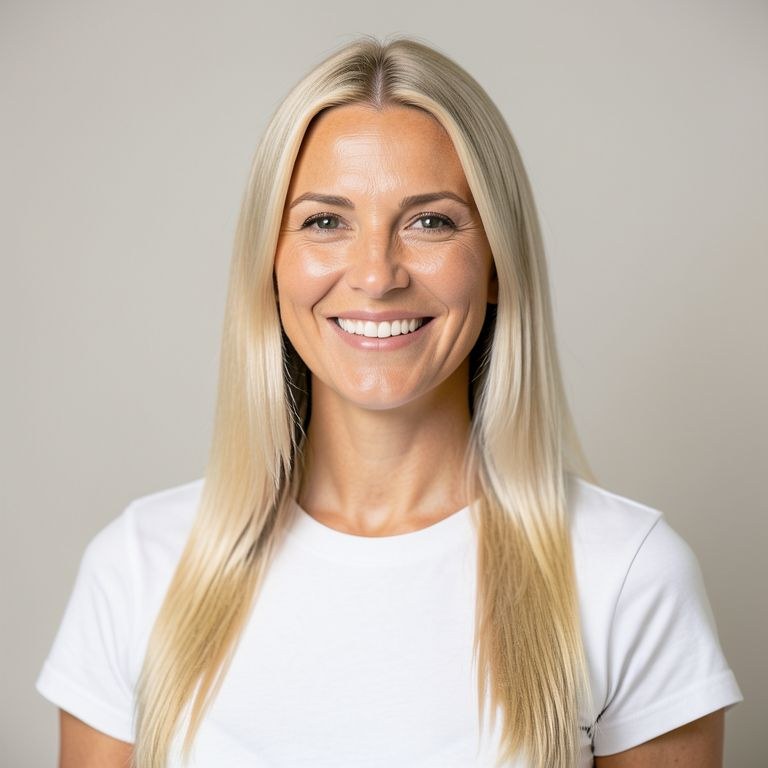
Ever wondered what you would look like in an anime? Upload a photo and this tool redraws you with clean line art, cel shading, and expressive anime eyes — while keeping your real hairstyle, outfit, and expression. The result is you, drawn like a lead character. Free, instant, no sign-up.
How Anime Me Turns a Photo into Anime Art
The AI does what a skilled anime illustrator would do with your photo as reference: it maps your face shape, hair color and cut, eye color, skin tone, outfit, and pose, then redraws every element in anime style — line art, cel shading, stylized hair highlights, and detailed anime eyes that keep your real eye color. Even the background is re-rendered as an anime scene, so the whole image looks like a frame from a show rather than a filter pasted over a photo. Identity is the priority: the goal is that friends recognize you instantly.
From Profile Pictures to VTuber References
Anime self-portraits are the most popular avatar style on Discord, X, and TikTok, and this tool gives you one from any selfie. Beyond profile pictures, people use Anime Me to create VTuber and OC design references from their own likeness, to make anime versions of couple photos and group shots, and to preview cosplay looks in drawn form. Since you can specify the aesthetic — 90s retro cel anime, glossy modern movie style, soft watercolor, gritty dark fantasy — you can match the vibe of your favorite series.
Tips for the Most Accurate Anime Portrait
Use a sharp, well-lit photo where your face and hair are clearly visible; the more the AI can see, the more faithful the anime version. Keep glasses, piercings, or signature accessories in frame if you want them in the art. After the first pass, iterate with follow-ups: change the background to a neon city at night, add an action pose, or shift the style toward a specific era of anime. Each result becomes the base for your next request, so you can refine until it looks like your ideal character design.