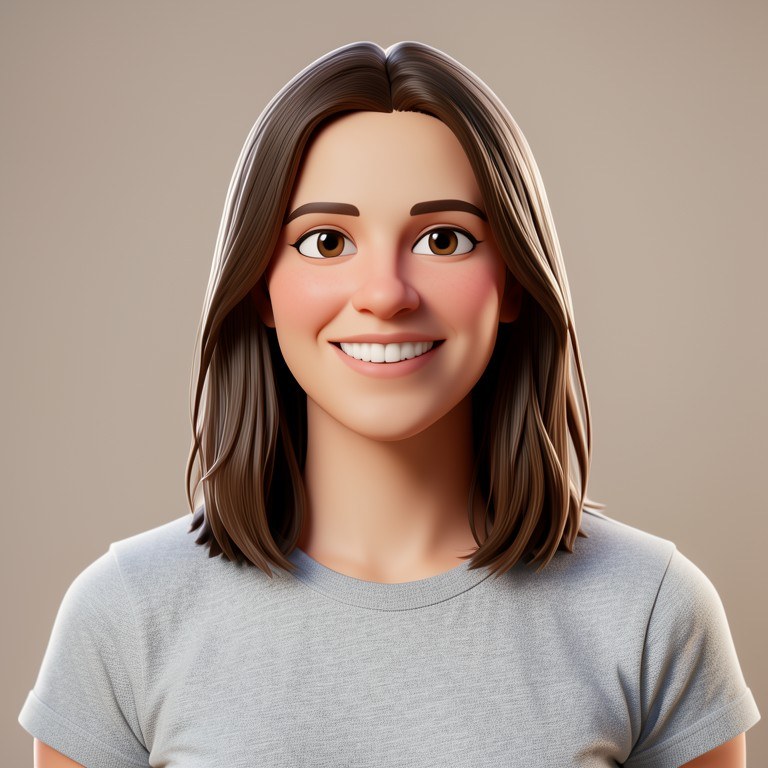
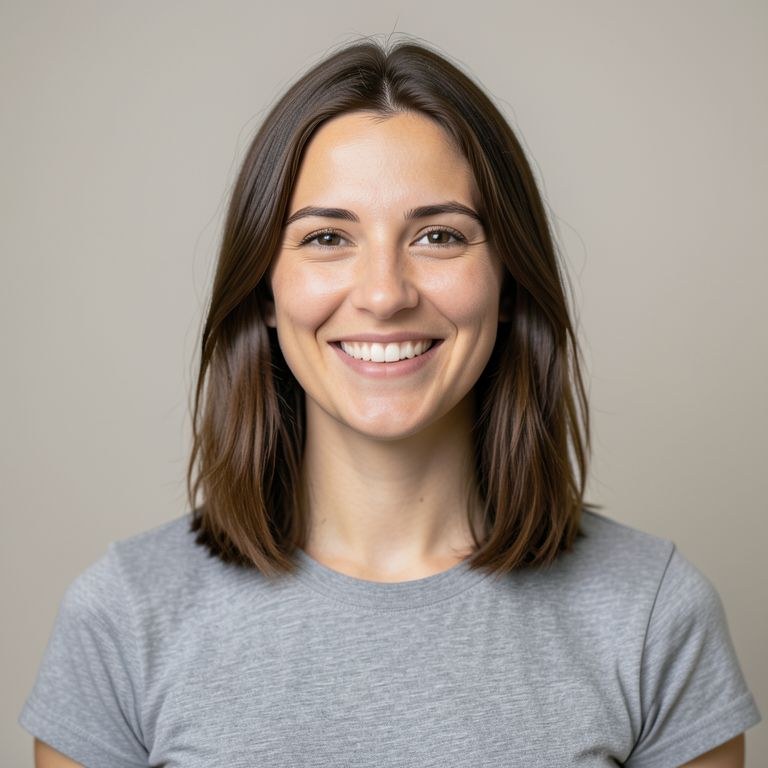
Upload any photo and cartoon yourself in seconds: choose a 3D animated-movie look, a comic book panel, a classic toon, or a storybook illustration. The AI keeps your hairstyle, outfit, and expression so the cartoon is unmistakably you. Free, no sign-up, no watermark.
One Photo, Every Cartoon Style
Different cartoon styles say different things: a 3D animated-movie render feels warm and cinematic, bold comic-book inks feel energetic, and a flat vector avatar reads perfectly at profile-picture size. This tool covers all of them from a single photo. The AI first maps your identifying features — face shape, hair, skin tone, glasses, facial hair, clothing — then redraws you in the requested style, so switching styles is as easy as typing a new request on the same photo. Try several and keep the ones you love.
What People Make with Cartoon Portraits
The classic use is a profile picture that stands out — a cartoon avatar is friendlier than a selfie and more personal than a stock avatar. Beyond that, people cartoon family photos into wall-art-worthy illustrated portraits, turn couple photos into anniversary gifts, convert team photos into consistent avatar sets for work, and make cartoon versions of kids' photos for birthday invitations. Because the AI can also simplify the background into the same style, the results look like intentional illustrations, not filtered photos.
How to Get a Cartoon That Really Looks Like You
Choose a photo with even lighting and your face clearly visible; avoid heavy shadows across the face. If a feature matters to you — your glasses, beard, curly hair, freckles — make sure it's visible in the photo, and mention it in your request if you want it emphasized. Then iterate: ask for a bigger smile, a different background, a head-and-shoulders crop for avatars, or a different style entirely. Each result becomes the new base image, so you can refine step by step until it's perfect.