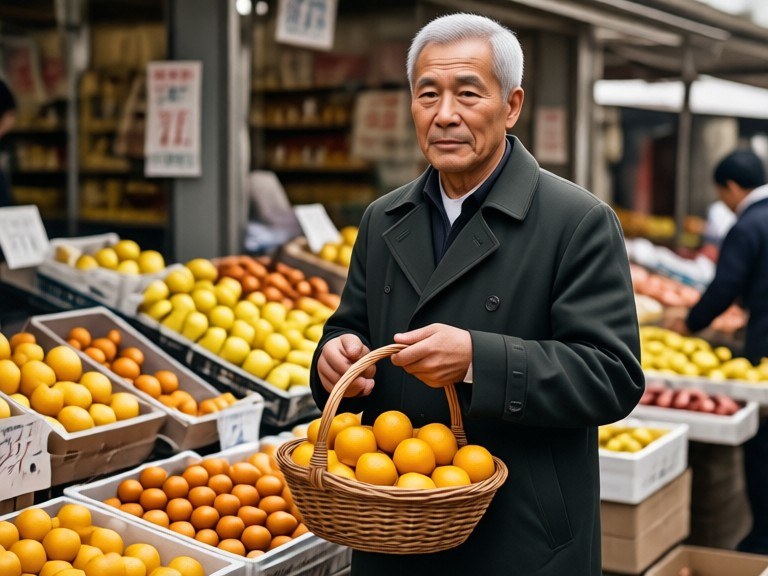
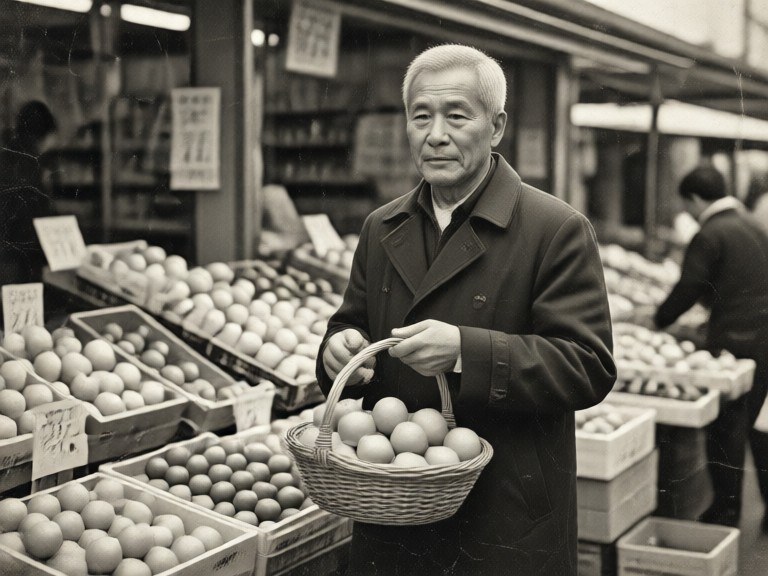
Restore and colorize old photos in one step: the AI repairs scratches, creases and fading, then adds natural, realistic colour.
How restore and colorize works
Upload a black-and-white or sepia photo. The AI repairs the age damage, keeps every face, pose and outfit from the original and adds lifelike colour to skin, hair, clothing and surroundings.
Tips for the best restoration
Scan the print flat at the highest resolution you can, or photograph it in soft daylight without glare. Crop away the album page around it. If a stain or crease survives the first pass, run the restored copy through once more.