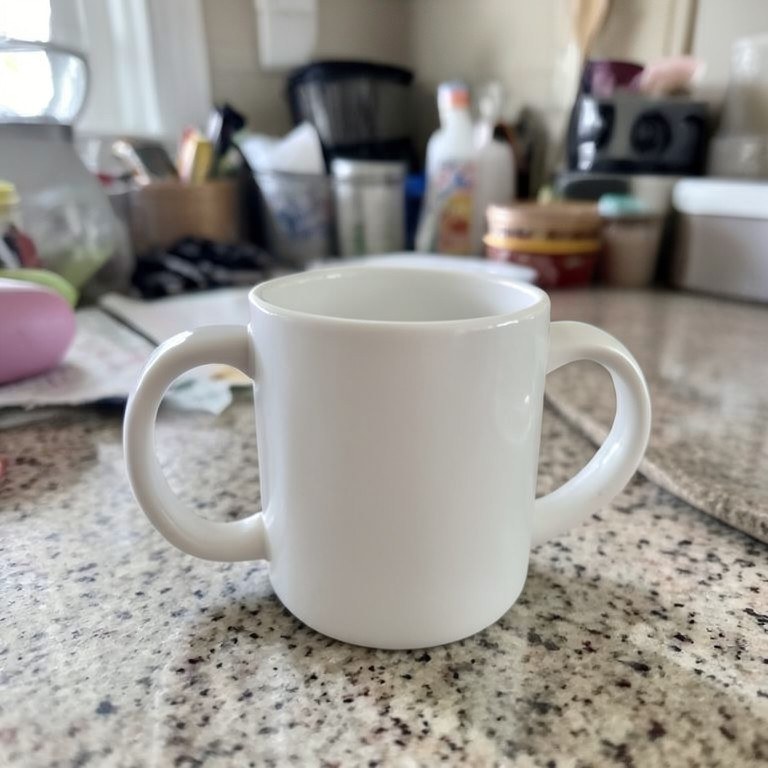
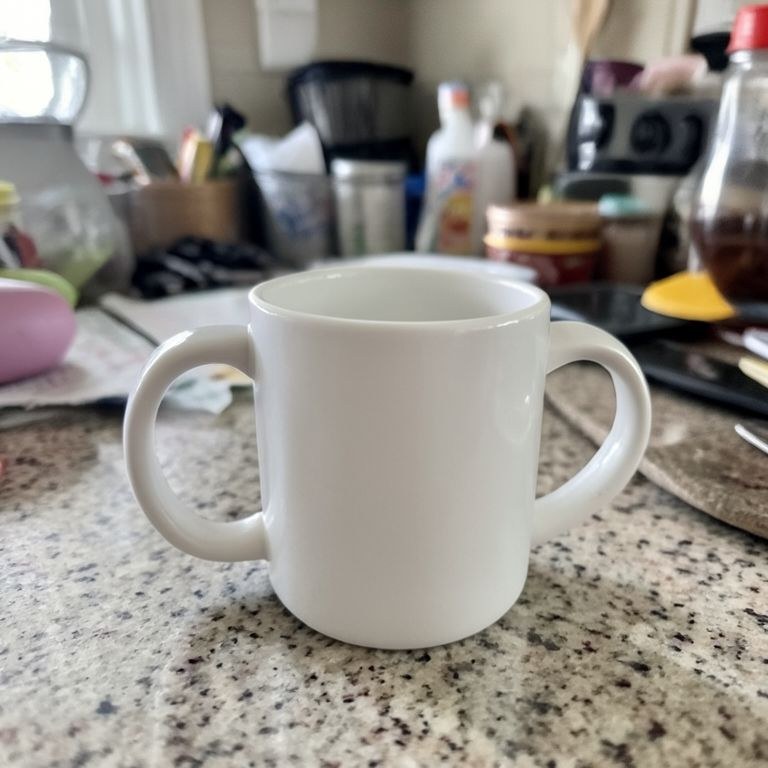
Take an unwanted object out of a picture cleanly, along with its shadow and reflection. The background behind it is rebuilt so straight lines stay straight and textures carry on without a visible patch.
How the ai object remover works
Upload the photo and describe the object by where it sits, for example 'remove the parked car on the right of the driveway'. Say whether its shadow or reflection should go too. Run the tool and inspect the repaired region closely, especially any straight edges crossing it. If part of the object or its shadow remains, mention it and run the tool again on the same upload.
Tips for the best results
Mention the shadow explicitly, since a removed object often leaves one behind. Describe the background that should replace it, such as 'continue the gravel and the fence line'. Remove larger objects first, then smaller ones in a second pass, and check reflections in glass and water.