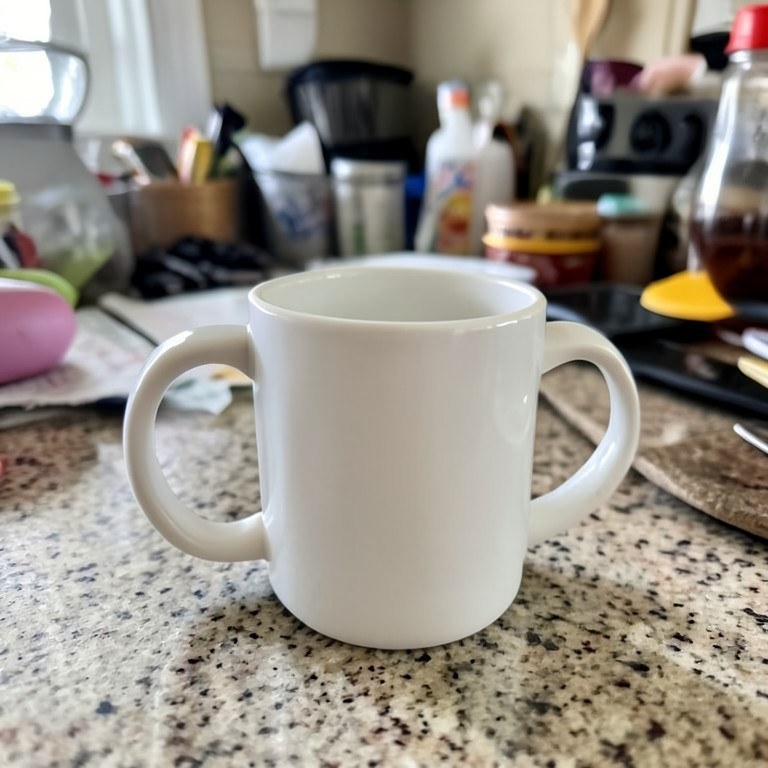
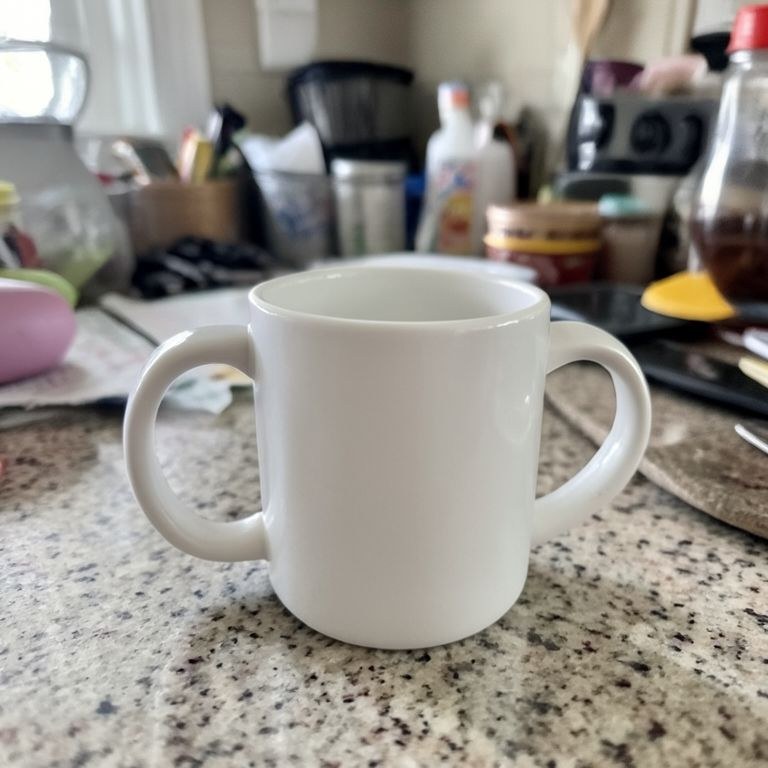
Reposition something inside a photo. The object moves to where you want it, resized for its new depth with a redrawn shadow, and the space it left behind is filled in with matching background.
How the move object in photo works
Upload the photo and describe the object and its destination, for example 'move the chair from the left to the centre of the rug'. Mention whether it moves closer or further away, since that changes its size. Run the tool and check both the new position and the old one for leftovers. Refine the wording and run again on the same upload until both areas look clean.
Tips for the best results
Name the object and both positions clearly. Say whether it should get bigger or smaller, since moving toward the camera means rescaling. Ask for the shadow to be redrawn for the new spot and for the vacated area to be rebuilt. Simple backgrounds fill in most cleanly.