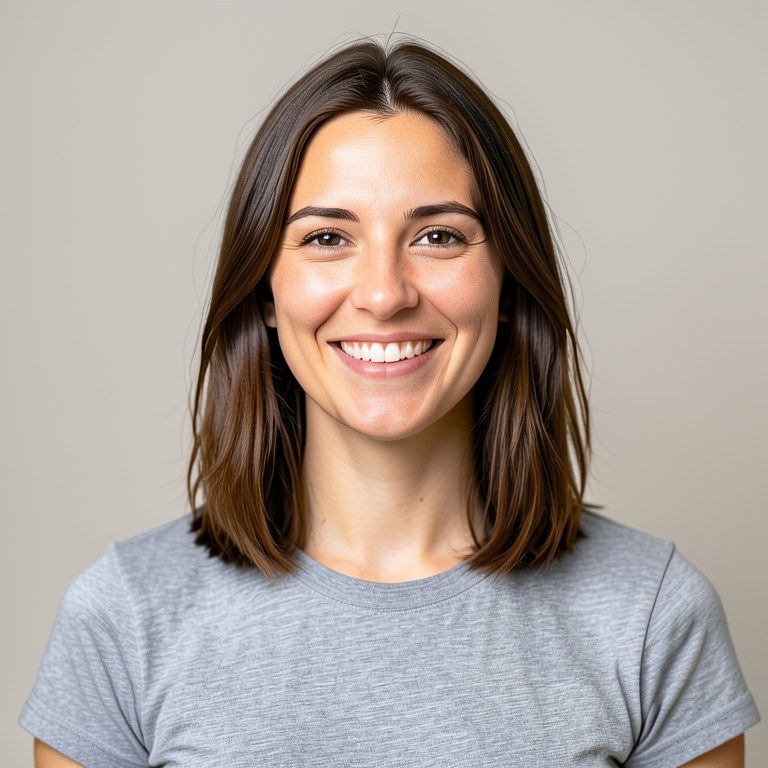
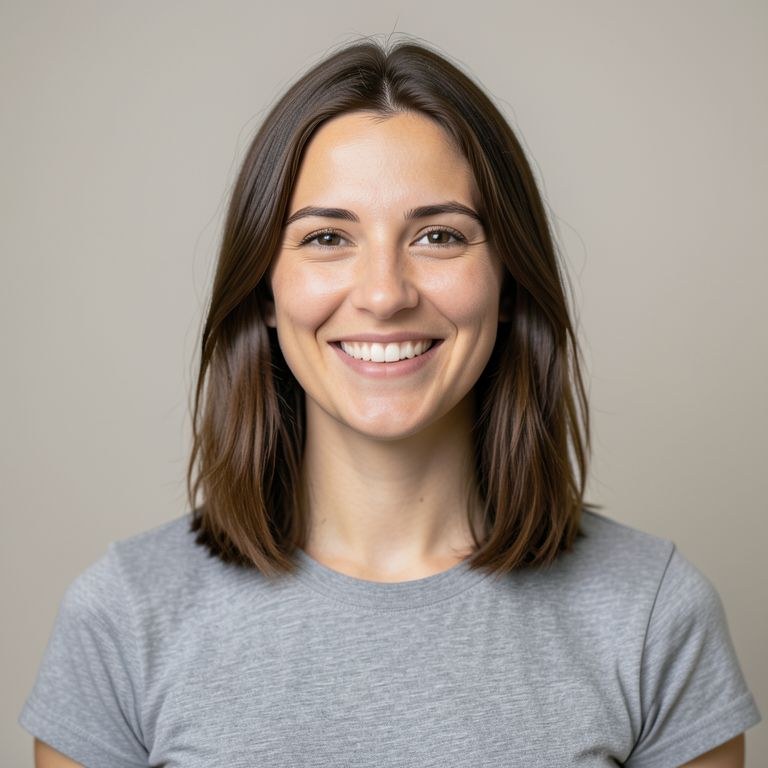
Turn a normal photo into a profile picture. Choose a clean photographic crop or a stylised look, and get a square-framed image with your face well placed and still recognisably you.
How the ai profile picture maker works
Upload a clear photo of your face. Describe the style and framing you want, for example 'clean studio portrait on a soft grey background, square crop' or 'soft anime-style illustration, shoulders up'. Generate, then check that your features still look like you. Adjust the style wording and run again on the same upload until the crop and treatment suit the platform you are using it on.
Tips for the best results
Start from a sharp, well-lit photo taken close to eye level. Say how tight the crop should be and what the background should do. Stylised looks stay recognisable when you ask for the facial structure and hairstyle to be preserved. Test how it reads at small sizes, since most profile pictures are tiny.